Aller au contenu principal

2 articles tagués avec « azure »

Voir tous les tags

Track your GitHub check runs from the dashboard

calendar icon   Release Date: July 28, 2026

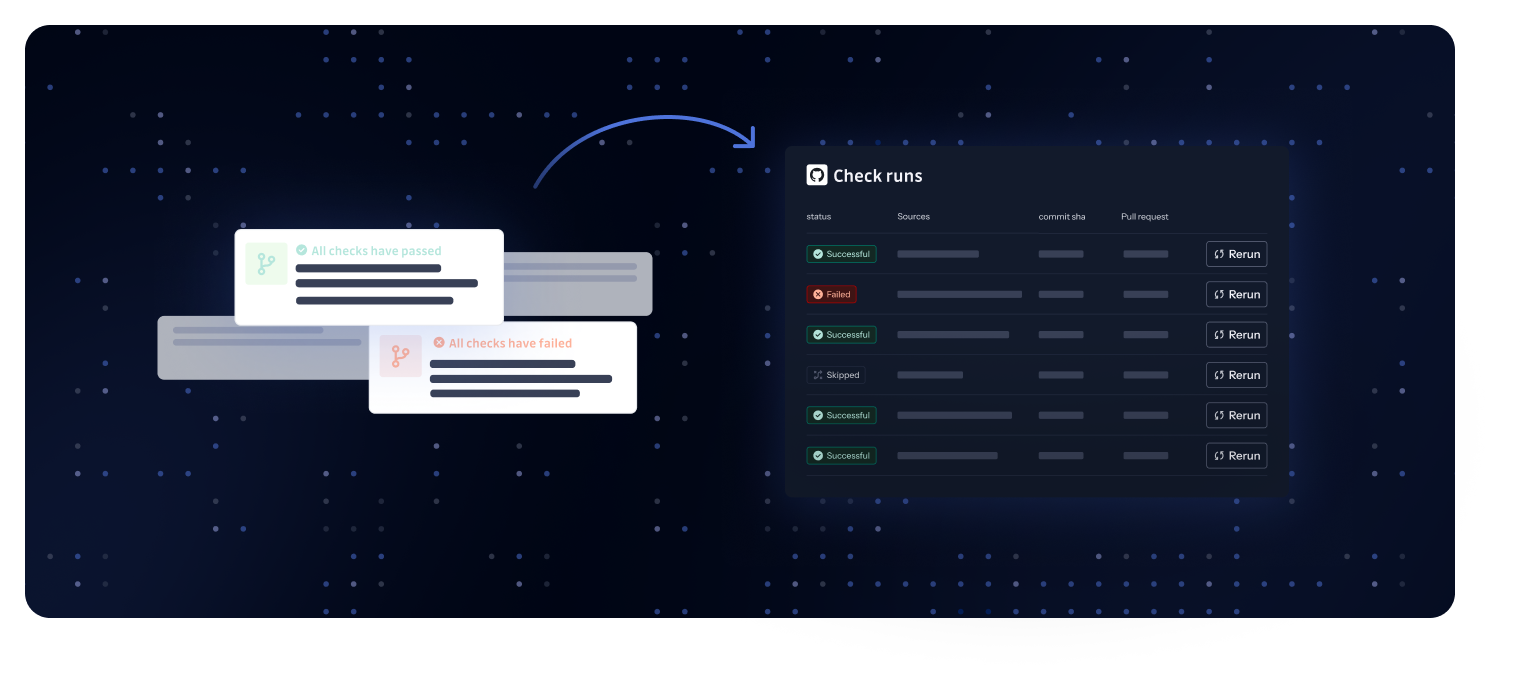
GitHub check runs dashboard

GitHub check runs now have a dedicated page in the GitGuardian dashboard. Until now, check run results lived only in the GitHub UI, making it hard to answer questions like "did this pull request get scanned?" or "why did this check fail?" without digging through GitHub. The new GitHub check runs page, available in the Perimeter section, brings every check run into one place.

What does this mean for you?

  • Full visibility into every scan: Browse all your check runs with their status (Successful, Failed, Skipped, and more), repository, commit SHA, associated pull request, and timing.
  • Find what you need fast: Filter by repository, status, or date, and search across your check runs, even on workspaces with hundreds of thousands of runs.
  • Key metrics at a glance: A KPI strip at the top of the page summarizes your check run activity so you can spot failures and trends immediately.
  • Recover without leaving the dashboard: Re-run a check directly from the list, or skip it when appropriate, without switching back to GitHub.
  • Jump to linked incidents: When a check run detects secrets, navigate straight to the related incidents to start remediation.

Why is this important?

Check runs are your first line of defense against secrets entering your repositories. When they fail or get stuck, pull requests are blocked and developers lose time. This page gives security teams and admins a single place to audit scan coverage, troubleshoot failed runs, and unblock developers quickly.

Get started today!

Open the Perimeter section of your GitGuardian dashboard and select the GitHub check runs tab. Learn more in our documentation.

Enhancements

  • Public perimeter: Fine-grained GitHub personal access tokens can now be used to monitor private member of a GitHub organization, in addition to classic tokens.
  • Integration source pages: The Display as Tree view was removed from integration source pages, and only the Display as List view was kept. The tree view could cause frozen or lagging pages on workspaces with large perimeters, while the list view covers the same use case with better performance.
  • Sources health management for Bitbucket Cloud, Bitbucket Data Center, GitLab, and Azure DevOps: Extending the source health coverage from previous releases, GitGuardian now pauses real-time ingestion and historical scans on unreachable Bitbucket, GitLab, and Azure DevOps sources, auto-resumes them once health is restored, and surfaces an actionable recovery step. Rolling out to the other VCS in upcoming releases. See the integration guides for Bitbucket Cloud, Bitbucket Data Center, GitLab, and Azure DevOps.

Fixes

  • Email & MFA: Fixed an issue where multi-factor authentication emails were not delivered to users who had been globally unsubscribed in the email delivery system.
  • Source monitoring: Fixed a performance issue where every push event triggered a full repository clone instead of reusing locally cached data.
  • Slack integration: Fixed an issue where the Slack integration monitored channels that were not manually added, even when auto-monitor was disabled.
  • Incident notes: Fixed an issue where user mentions in the incident feedback popover displayed a raw identifier instead of the member's display name.
Flag admin and overprivileged NHIs across AWS, Entra, and Okta

calendar icon   Release Date: April 16, 2026

NHI privilege risk thumbnail

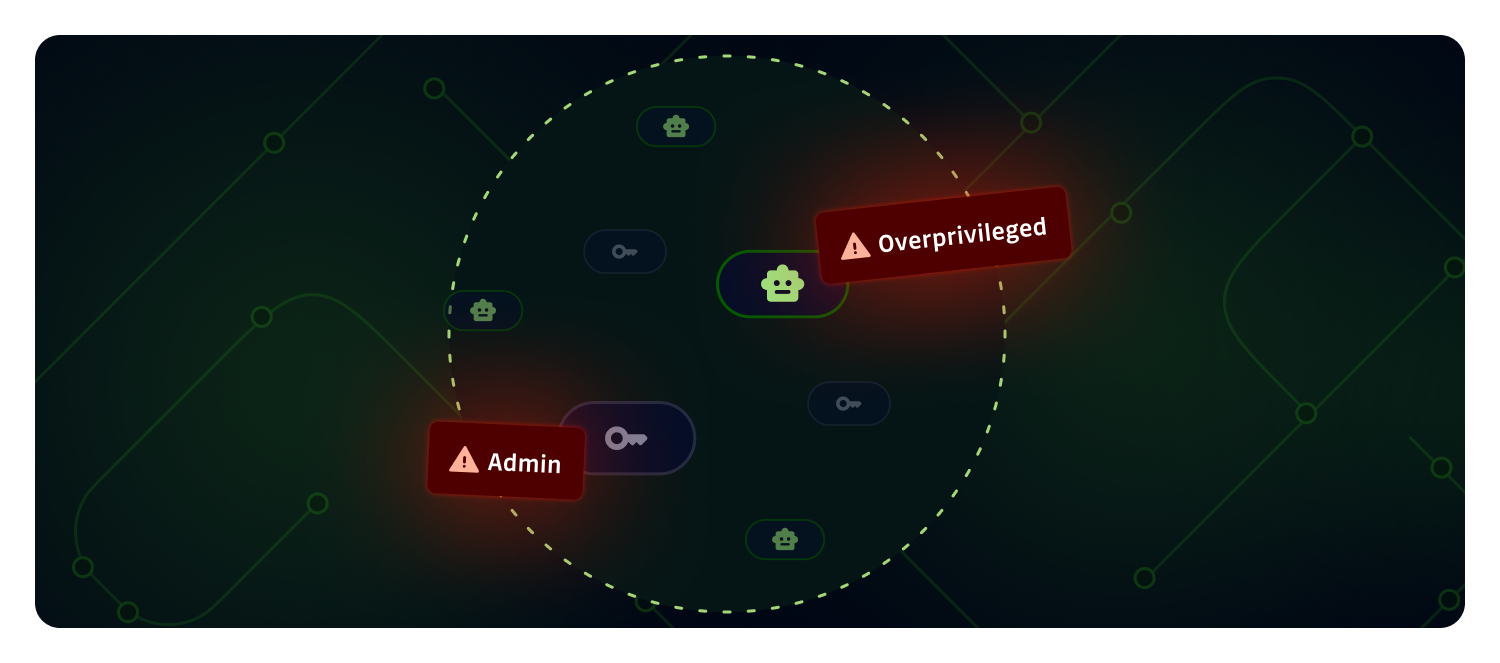
NHI Governance can now tell you which of your Non-Human Identities hold admin rights, which are overprivileged compared to what they need, and automatically raises the risk level of any policy breach that lands on an admin NHI. You get a prioritized inventory where the identities an attacker would abuse first are already at the top, across AWS IAM, Microsoft Entra, and Okta.

What does this mean for you?

  • Admin identities at a glance: NHIs with admin-level permissions (e.g. AWS AdministratorAccess, Entra Global Administrator, Okta Super Admin) are marked with an Identity level: Admin badge in the inventory and detail view.
  • New policy, Overprivileged Identity: A dedicated policy flags identities granted broader permissions than they use, so you can drive NHIs back toward least privilege.
  • Smarter risk criticality: Any policy breach on an admin NHI is automatically bumped one severity level higher, capped at critical. A leaked internal secret on an admin identity now shows as critical, not high.
  • Cross-source coverage: Admin and overprivilege checks run on AWS IAM, Microsoft Entra (directory roles, Azure RBAC, Microsoft Graph permissions), and Okta (built-in and custom admin roles).

Why is it important?

Not all NHIs carry the same risk. An admin or overprivileged identity that leaks gives an attacker full control of the account, tenant, or directory, while a scoped identity limits the blast radius to one system. Until now, spotting those identities meant combing through IAM policies, directory roles, and custom permissions by hand, and a leaked internal secret looked the same whether it belonged to a read-only service or a Global Administrator.

With this release you can:

  1. Focus remediation where it matters: Start with admin and overprivileged NHIs, and with the incidents their breaches generate, instead of treating every NHI equally.
  2. Enforce least privilege: Surface NHIs that accumulated broad permissions over time and bring them back in line.
  3. Shrink the blast radius: Cut the number of high-impact identities that a single compromised secret could abuse.
  4. Meet audit expectations: Evidence that admin and overprivileged machine identities are reviewed, named, and tracked.

Get started

  1. Open NHI Governance → Identities and sort by Risk criticality to see which NHIs rank highest.
  2. Use the Identity level filter to isolate admin NHIs, and the Breached policies filter to find Overprivileged Identity breaches.
  3. Learn more about admin identities, the Overprivileged Identity policy, and risk criticality.

This feature is available to NHI Governance paying customers.


Enhancements

  • Privacy Mode: Workspace owners can now enforce privacy mode at the workspace level, restricting the ability to view plaintext secrets to managers only or owners only for tighter control over sensitive data visibility. Learn more.
  • Audit Logs: The list of captured audit log event types is now available through the public API, making it easier to configure SIEM ingestion and alerting rules. Learn more.
  • AI: Workspace admins can now manage third-party LLM usage directly from the dashboard. Choose between GitGuardian's managed LLM providers (default), routing calls through your own AWS Bedrock account with Bring Your Own Cloud, or turning external LLMs off entirely. Internal ML models for false positive detection, prioritization scoring, and similar issues continue to run regardless, and existing configurations are unchanged. Learn more.

Fixes

  • Incidents: Fixed an issue where secret grasper matches found in long diffs were not visible in the dashboard occurrence view. The full file content is now displayed when the match falls outside the truncated patch.
  • GitLab health check: Updated the GitLab instance health check for compatibility with GitLab.com and upcoming GitLab 19 self-hosted versions.