Scan developer machines with less noise, and clean up what you find
 Release Date: October 27, 2026
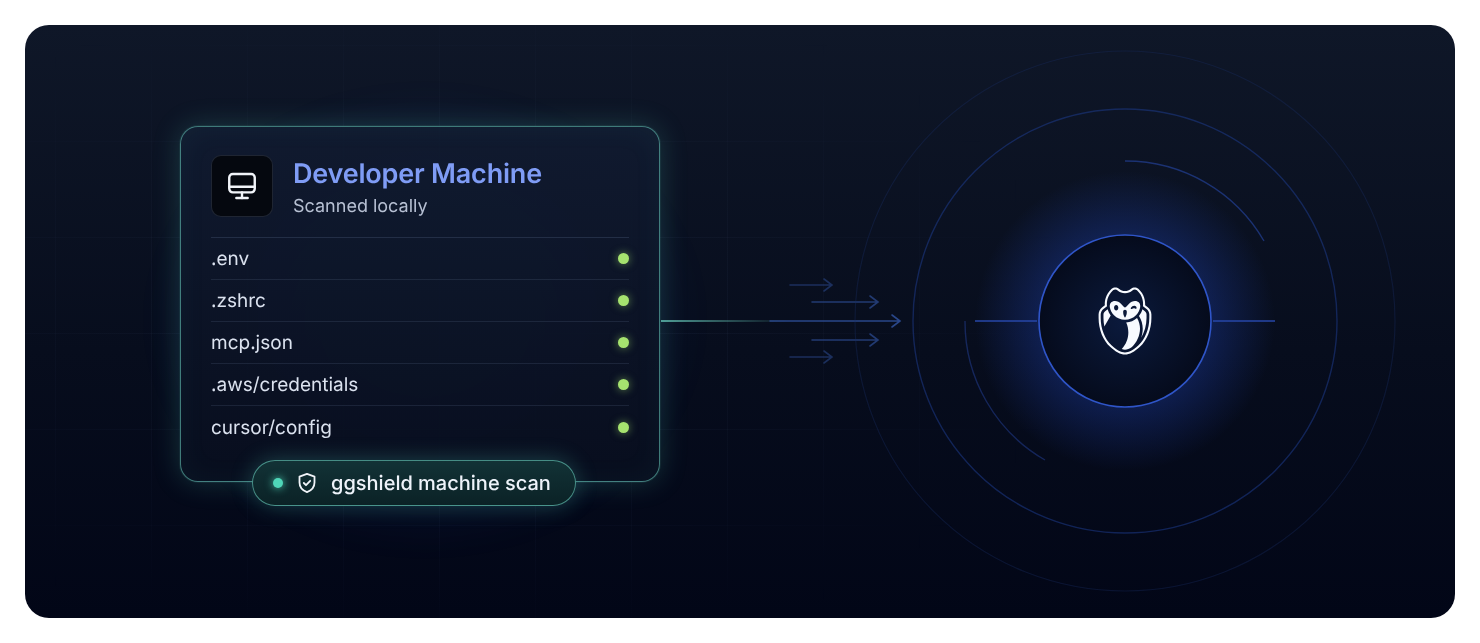
Endpoint Protection now helps you scan your developers' machines at a lower cost, trust what the scan finds, and clean it up. Upgrades no longer trigger a full rescan, validity checks cover more secret types with fewer wrong answers, copies kept by code editors stop flooding the findings list, and a new --background option keeps scheduled scans out of developers' way. The local dashboard (ggshield machine dashboard) then opens on an overview of what to clean, groups findings by AI agent or repository so you can redact them one at a time, and can redact the history databases of Codex and opencode.
What does this mean for you?
- Validity checks cover more secrets, and get them right: 501 secret types are now analyzed, up from 432, including Elastic, Datadog, Langfuse, Sumo Logic, Gitea and Azure Container Registry. Live SendGrid, Okta, MaxMind and Segment keys, among others, were reported as revoked or left unchecked. They now get the right answer, and a provider outage or rate limit no longer counts as a revocation.
- Less noise from editor history: VS Code, its forks (Cursor, VSCodium, Windsurf) and JetBrains IDEs keep a copy of every file you edit, so one secret in one file could appear as dozens of findings. These copies no longer fill the findings list, unless the secret in them is valid.
- Scan without slowing developers down: add
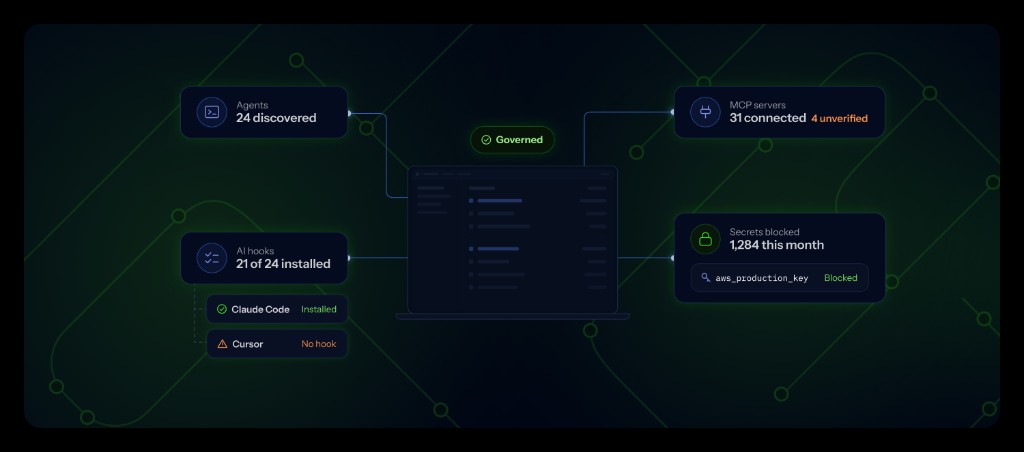
--backgroundtoggshield machine scanorggshield machine reportto run the scan at low priority, with 2 to 4 threads and a tenth of the memory (at least 512 MB). The scan takes longer but leaves the machine responsive, which suits a scheduled MDM job. To make it the default for every scan, setscan.resources.background.mode: autoinmachine_scan.yaml. Without it, scans run at full speed. - Start cleanup from an overview: the local dashboard now opens on an Overview page with one row per cleanup area, such as AI agents, repositories, and history and logs. When there is something to clean, a short guide tells you where to start: overprivileged secrets first, then leaks in history and logs, then secrets in daily use.
- Redact Codex and opencode history: these assistants keep their history in SQLite databases, where findings could not be redacted. You can now redact them from the local dashboard.
Why is this important?
A machine scan is only useful if it runs often and its findings get acted on. Skipping needless rescans keeps the load on your fleet low after each upgrade, and accurate validity with less duplicate noise lets your team spend its time on the secrets that still work.
Get Started Today!
Endpoint Protection is available for workspaces with a Growth or Enterprise plan. Talk to your Customer Success Manager to enable it, or contact us to upgrade your plan.
Update the plugin on each machine with ggshield plugin install machine_scan, or let your MDM job do it on its next run. See Deploy ggshield at scale.
Then add --background to your scheduled scan, for example ggshield machine report --background. See Run the daily inventory scan.
To start a cleanup, run ggshield machine dashboard to open the overview. See Remediate findings.
Enhancements
- Machine Scan:
- On Windows, scans now cover fixed drives only, skipping USB sticks, optical media and RAM disks, and check only the WSL distributions already running instead of starting every one each day.
- Scans skip more folders of downloaded or generated files, such as build leftovers in the temp folder (
pip-*,pytest-of-*,_MEI*), Windows package caches such as NuGet and Scoop, and Electron app caches, while folders that hold credentials, such as app settings and browser local storage, are still scanned. - Validity checks now take custom hosts only from your GitGuardian workspace, and the environment variables and local config files that set them are no longer read. Machine Scan tries custom hosts first, then hosts tied to the secret, then the default hosts, and reports the first valid answer.
Fixes
- Machine Scan:
- Fixed an issue where a token for a self-hosted service, such as a self-hosted GitLab, was checked against the public service and reported as revoked. Validity checks now try the host the secret's file ties it to first, such as a
.netrcmachine or an.npmrcregistry. - Fixed an issue where public details of a validity check, such as hosts, project IDs and tenants, appeared as
[REDACTED]. Secrets stay redacted, and the next scan restores the details. - Fixed an issue where every fine-grained GitHub personal access token was reported with private repository access. That risk now requires proof of access.
- Fixed an issue where test Stripe keys capped the risk of live Stripe keys at Medium.
- Fixed an issue where scans of the plugin's own files in full mode reported a HashiCorp Vault token.
- Fixed an issue where a token for a self-hosted service, such as a self-hosted GitLab, was checked against the public service and reported as revoked. Validity checks now try the host the secret's file ties it to first, such as a
- Confluence Cloud Integration: Fixed an issue where incidents found in Confluence Cloud attachments showed the author as "Unknown". They now show the user who uploaded the attachment.
- Confluence Data Center Integration: Fixed an issue where a rejected personal access token returned an internal error when you installed the integration or updated its token. GitGuardian now tells you the token is invalid.
- GitLab Integration: Fixed an issue where a token belonging to a blocked GitLab account was reported as a transient connection error. Token validation now says the account is blocked, and the integration health flags the token instead of reporting GitLab as unreachable.