GitGuardian Is Now on the Okta Integration Network
 Release Date: March 6, 2026
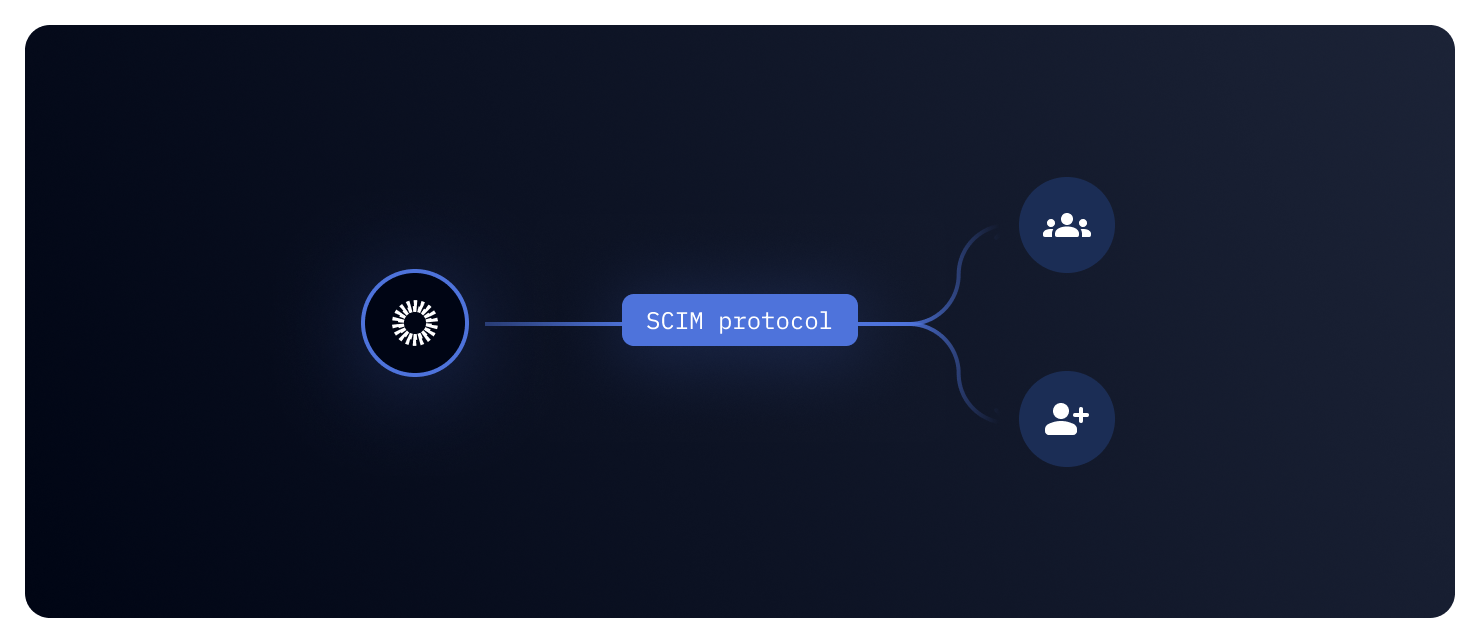
Setting up SSO and user provisioning shouldn't feel like a side project. That's why GitGuardian is now available as an Okta-verified app on the Okta Integration Network — giving your identity team a streamlined, standardized way to connect GitGuardian with your Okta directory.
What does this mean for you?
- One-click SAML SSO: Add GitGuardian from the Okta app catalog and configure SSO in minutes — no custom SAML app required.
- SCIM provisioning built in: Automatically create, update, and deactivate GitGuardian users when changes happen in Okta. No more manual onboarding or orphaned accounts.
- Group Push: Sync your Okta groups and their memberships directly into GitGuardian teams, keeping access aligned with your directory structure.
- SP and IdP-initiated SSO: Users can sign in from the GitGuardian dashboard or straight from their Okta portal — both flows are supported out of the box.
- Just-in-Time provisioning: New users get a GitGuardian account automatically on first login, even without SCIM.
Why is this important?
Managing user access across security tools is a pain point for every identity team. Manual provisioning leads to delays, stale accounts, and inconsistent permissions. With the Okta Integration Network app, GitGuardian plugs directly into your existing identity lifecycle — so access stays in sync, offboarding is instant, and your team can enforce consistent security policies without extra overhead.
Get Started Today!
- In Okta, go to Applications > Browse App Catalog and search for "GitGuardian"
- Click Add Integration and enter your GitGuardian Workspace ID
- Configure SSO in your GitGuardian dashboard under Settings > Authentication
- Optionally, enable SCIM provisioning under Settings > Identity Provider
Check out the full Okta SSO setup guide and the SCIM configuration guide to learn more.

