3 posts tagged with "container-registries"

View All Tags

Red Hat Quay Integration: Your Enterprise Images, Under Watch

calendar icon   Release Date: March 5, 2026

Red Hat Quay thumbnail

Another registry, zero blind spots. We're expanding GitGuardian's container security coverage with a new integration for Red Hat Quay — the enterprise-grade, OCI-compliant registry trusted by organizations running OpenShift and hybrid cloud infrastructure.

Whether you're on quay.io or running a self-hosted Quay instance, GitGuardian now has you covered by scanning your container images for hardcoded credentials, API keys, and internal tokens buried in image layers.

What does this mean for you?

  • SaaS and self-hosted, covered: Works with quay.io and on-premise Red Hat Quay deployments — same integration, same protection.
  • Full image layer analysis: Every layer, every Dockerfile, every environment variable — scanned for secrets that shouldn't be there.
  • Historical + incremental scanning: Catch secrets already hiding in existing images, and detect new ones as they're pushed.
  • Granular perimeter control: Monitor specific repositories or your entire Quay instance — fine-tune coverage to match your needs.
  • OAuth2 authentication: Secure, token-based integration with read-only access. No credentials stored, no write permissions required.

Why is this important?

Container images are the final artifact before production. A secret embedded in an image layer — a database password in an ENV directive, an API key baked into a config file — travels straight to your runtime environment. Unlike source code, image layers are often overlooked in security reviews, making them a prime vector for credential exposure.

With Red Hat Quay joining Docker Hub, Amazon ECR, Azure Container Registry, Google Artifact Registry, and JFrog Container Registry, GitGuardian now covers six major container registries — giving you unified secrets detection wherever your images live.

Get Started Today!

  1. Navigate to Settings > Integrations > Sources
  2. Click Install next to Red Hat Quay in the Container registries section
  3. Create an OAuth Application in your Quay instance and connect it to GitGuardian

This feature is currently available in beta. Check out the full setup guide to learn more.
--

Enhancements

  • Public API: Added endpoint to retrieve GitGuardian's egress IP addresses in CIDR notation for allowlisting in firewalls, network security groups, or other access control systems. Learn more.

JFrog Artifactory Package Registries: Secrets Hide in Your Packages Too

calendar icon   Release Date: March 3, 2026

JFrog Package Registries thumbnail

Your container images are scanned. Your Git repos are covered. But what about the packages flowing through your software supply chain?

We're thrilled to announce JFrog Artifactory Package Registries integration — bringing GitGuardian's secrets detection engine to the artifacts that power your builds. Maven JARs, npm tarballs, PyPI wheels, NuGet packages, and more: if a secret is hiding in there, we'll find it.

What does this mean for you?

  • 12 package ecosystems covered: Scan Maven, npm, PyPI, NuGet, Go, Gradle, Swift, Cargo, RubyGems, Composer, Pub, and Generic repositories — all from a single integration.
  • Historical + incremental scanning: Detect secrets already lurking in existing packages, and catch new ones as they're published.
  • Granular perimeter control: Choose exactly which repositories to monitor, or cover your entire JFrog instance — your call.
  • Share remediation efforts: Assign package repositories ownership like you do for VCSs, to route findings to relevant teams.
  • Seamless setup: Connect your JFrog Artifactory instance in minutes with an Access Token — no agents, no sidecars, no complexity.

Why is this important?

Secrets don't stay in source code. They travel — embedded in build artifacts, bundled into packages, and shipped across your software supply chain. A leaked API key in a Maven artifact or a database credential in an npm package can compromise production systems just as effectively as one committed to Git.

With this integration, GitGuardian closes a critical blind spot. You now have unified secrets detection across your repositories, container images, and package registries — a complete view of your exposure surface.

Get Started Today!

  1. Navigate to Settings > Integrations > Sources
  2. Click Install next to JFrog Package Registries in the Package registries section
  3. Connect your JFrog instance with an Access Token and start scanning

This feature is currently available in beta.
Check out the full setup guide to learn more.

Enhancements

  • Audit Logs: Scope information is now displayed in audit log entries when Personal Access Tokens (PATs) and Service Account Tokens (SATs) are created, providing enhanced visibility into token permissions for security compliance and monitoring.
  • Security Settings: Added the ability to restrict Personal Access Token (PAT) scopes for members, allowing workspace managers to limit members to creating PATs with specific scopes (e.g., "Scan only") for enhanced security control. Learn more.
  • Authentication Settings: Added customizable session duration setting, allowing workspace administrators to configure how long dashboard sessions remain active before users are automatically logged out. Learn more.
  • Slack & Webhook Alerting: Added feedback content (remarks) to Slack and Webhook alerts for both internal and public monitoring incidents, providing complete feedback information in notification payloads. Learn more.
  • Slack Alerting: Enhanced incident notification messages with improved formatting, additional context (secret type, status, assignee, severity, risk score), and clearer attribution for automated GitGuardian actions.
  • Jira Ticketing: Added filename and line number as template options in Jira templates, displayed as "N/A" when not applicable to the incident source.
  • Dashboard: Added "System" theme mode option that automatically matches the operating system's light or dark mode preference, set as default for new users.

Fixes

  • Alerting: Fixed an issue where Jira Cloud installations were unexpectedly soft-deleted without user action, causing notification failures.
  • API: Fixed schema validation error for API response path 'id' that was causing client-side errors.
  • Incidents: Fixed timeout issues when applying bulk updates to incident custom tags, improving performance for large-scale operations.
  • Public Incidents: Fixed 400 Bad Request error when creating public incidents from secrets found in Explore.
  • Security: Fixed an authorization issue where Workspace Members with Team Leader permissions could delete notification settings for the "All Incidents" team, ensuring only Workspace Managers can manage these settings.

Detect hardcoded secrets in your Container Registries

calendar icon   Release Date: March 19, 2025

Container Registries Thumbnail

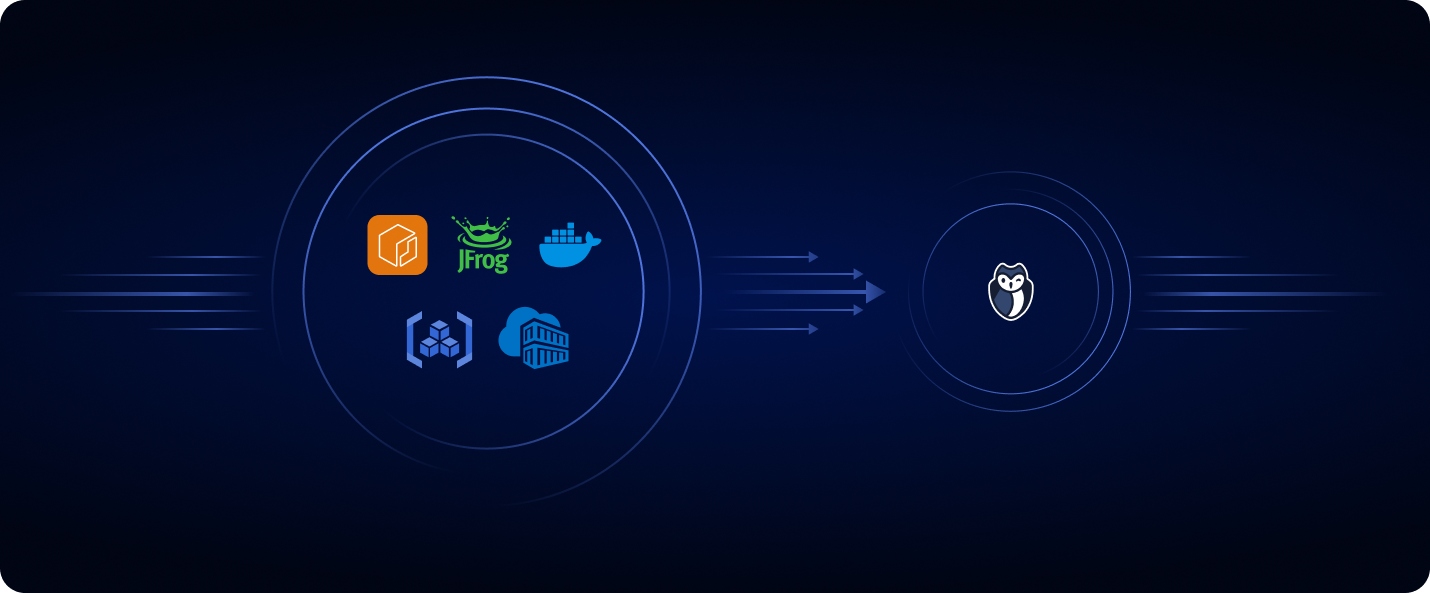
We are excited to introduce Secret detection for Container Registries, including:

  • microsoft-azure-container-registry Azure Container Registry
  • amazon-ecr Amazon Elastic Container Registry
  • google-artifact-registry Google Artifact Registry
  • jfrog JFrog Container Registry
  • dockerhub DockerHub

Secrets often end up in container images due to common mistakes during development and image creation, mainly:

  • Hardcoding Secrets in Code: Developers may directly embed sensitive credentials, such as API keys or passwords, into application code, which gets packaged into container images.
  • Misconfigured Dockerfiles: Commands like ENV or RUN in Dockerfiles can inadvertently expose sensitive data during the build process.

By identifying and addressing hardcoded credentials early in the development pipeline, this feature significantly minimizes the risk of security breaches, helping you prevent the unintended exposure of sensitive information before it even reaches production.

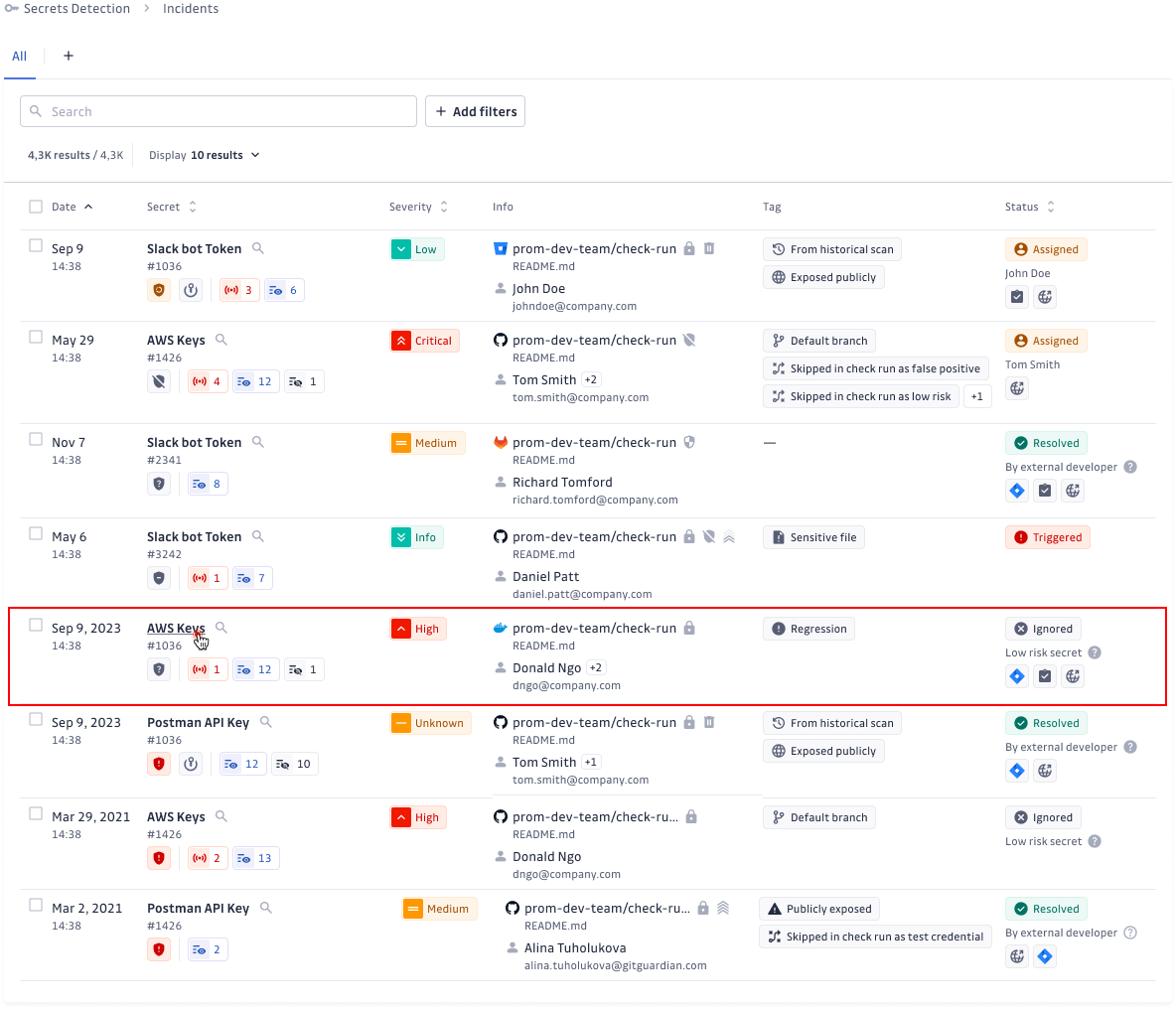
Container Registries Dashboard

Check out our Blog Post to learn more and our documentation to enable the feature now:


Fixes

  • Jira Cloud Issue Tracking Integration: Fixed an issue where Jira project keys were incorrectly changed during synchronization.