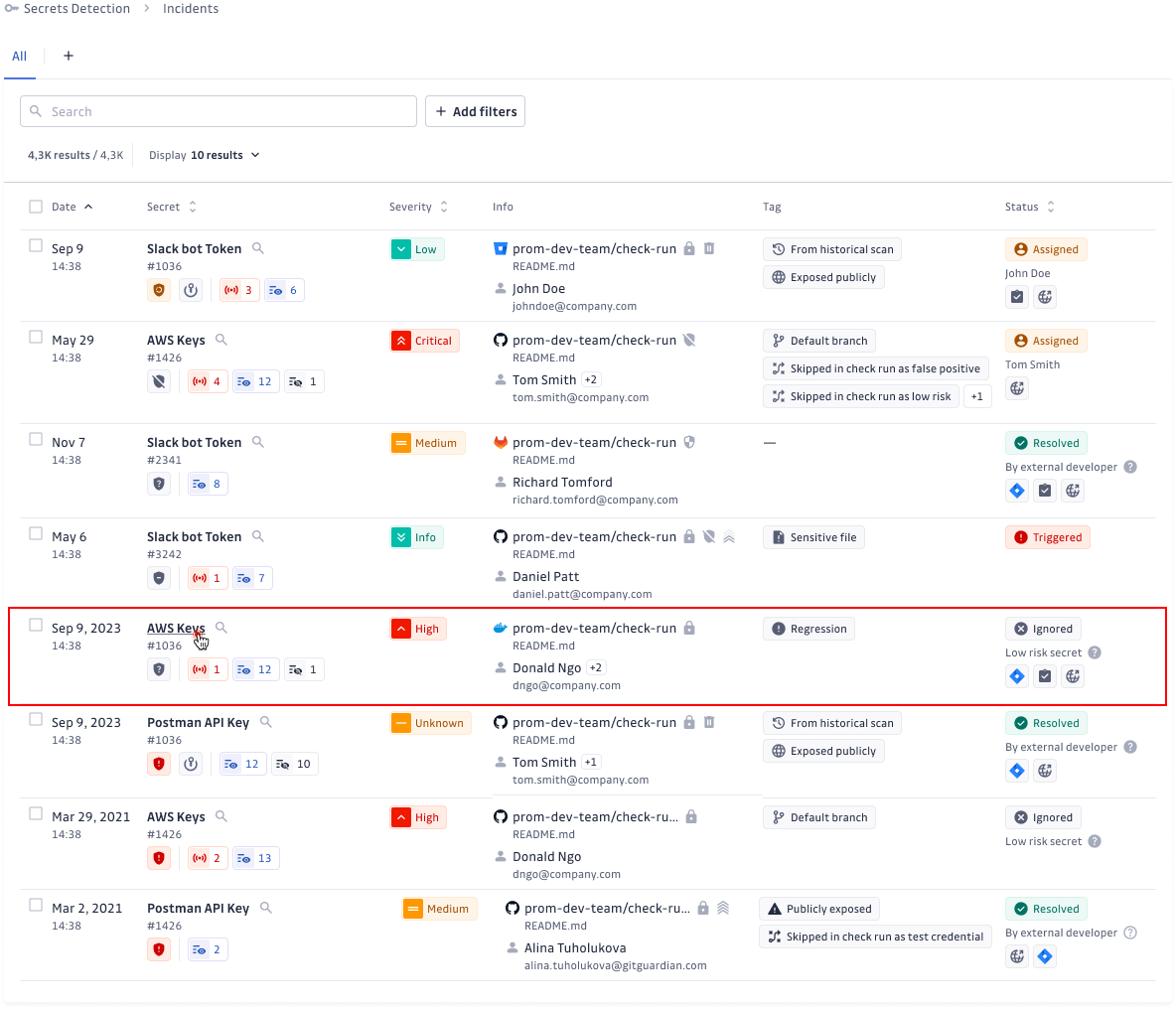
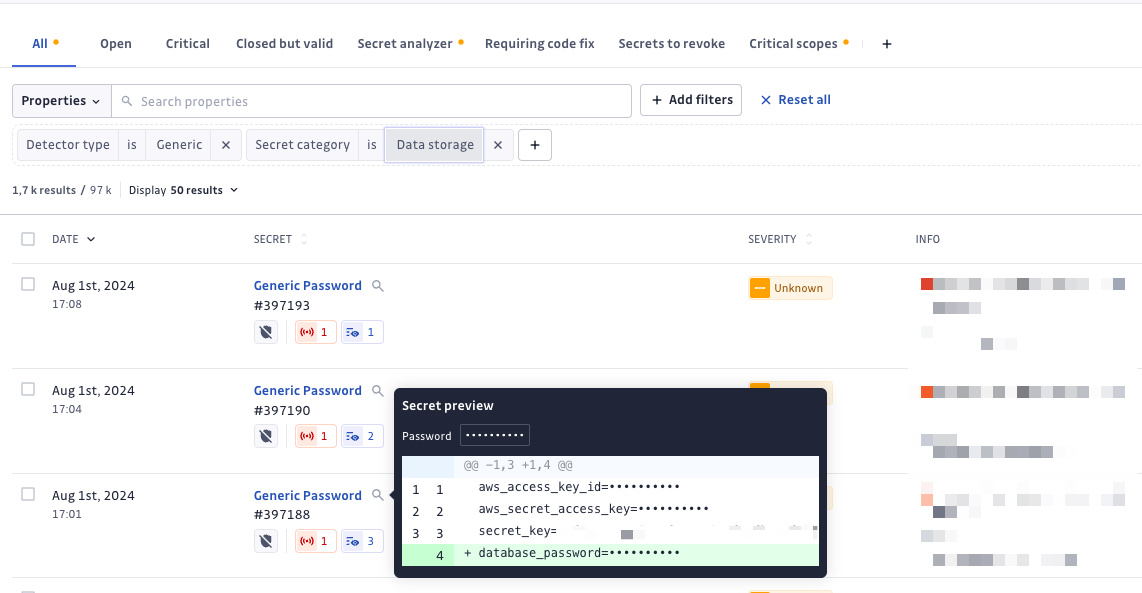
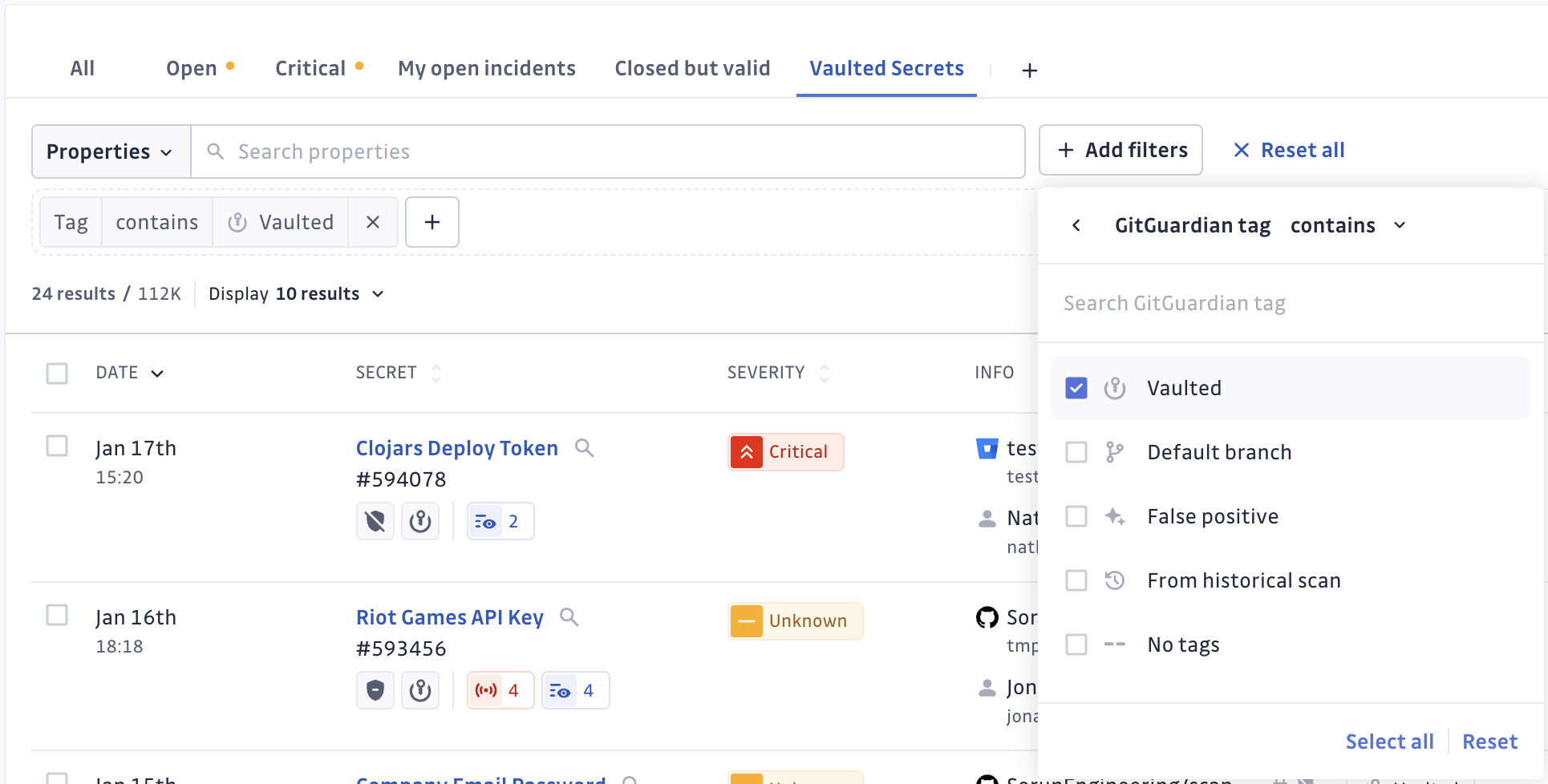
Push your secret incidents to Wiz
 Release Date: September 30, 2026
Secrets and cloud risk are the same story told in two tools. The leaked credential lives in GitGuardian, the resource it unlocks lives in Wiz, and the person who has to decide what to fix first is stuck comparing two consoles.
GitGuardian now pushes your secret incidents to Wiz as native secret findings. Every day, your active incidents from version control sources land in Wiz with their detection context and a link back to GitGuardian.
What does this mean for you?
- One place to prioritize: Leaked credentials appear as Wiz secret findings, next to the cloud misconfigurations and vulnerabilities your security team already triages, so secrets stop being a separate queue.
- Full detection context travels with the finding: Repository, file path, commit, detector, validity and severity, plus a direct link to the GitGuardian incident when someone needs the complete picture.
- Severity you already agreed on: The severity of the GitGuardian incident sets the severity of the Wiz finding, so a critical secret reads as critical on both sides.
- No secret ever leaves GitGuardian: Findings carry a SHA-256 hash of the secret and its metadata only. Wiz never receives a secret value.
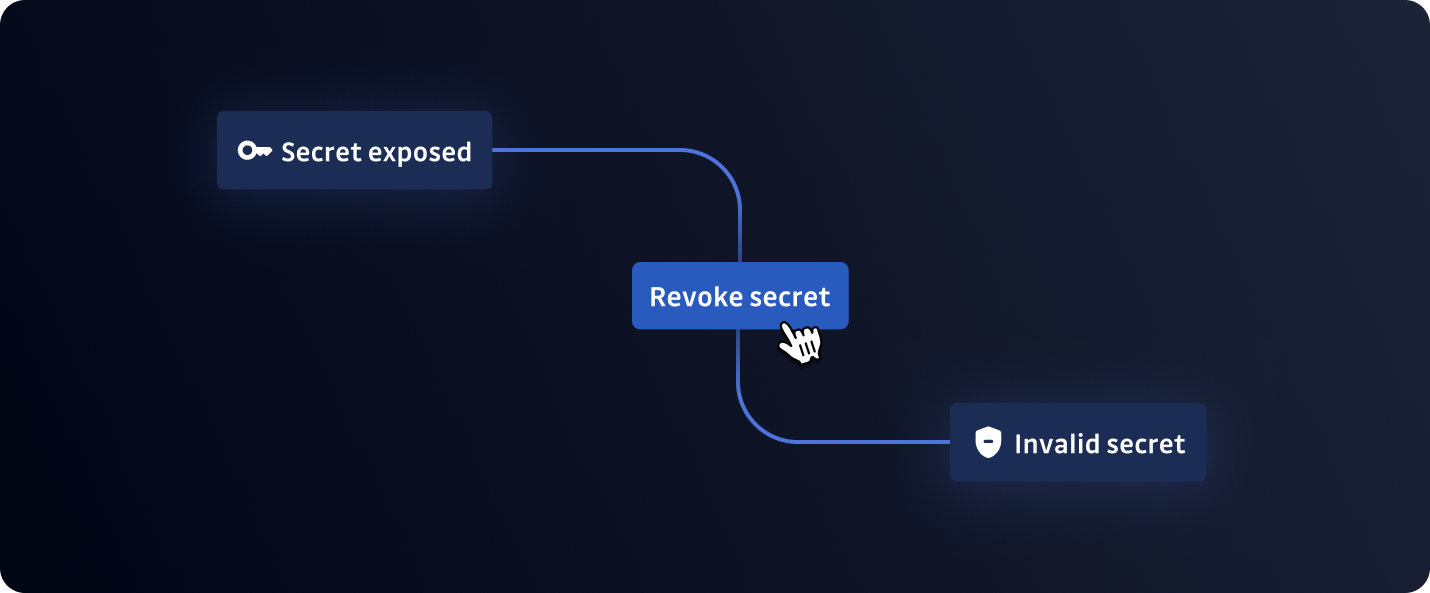
- Findings close themselves: Each sync sends the full list of active incidents. Resolve or ignore an incident in GitGuardian and it drops out of the next upload, so Wiz removes the finding on its own.
Why is this important?
A valid credential is rarely the end of an incident, it is the entry point. Whoever picks it up next moves laterally into the cloud account it opens, and the two halves of that path usually sit in two different tools owned by two different teams. Putting secrets in front of the people who already own cloud risk removes the handoff, and with it the days lost between detection and remediation.
Get Started Today!
Create a Wiz service account with permission to upload findings, then go to Settings > Integrations > Wiz and paste your Client ID, Client secret, Authentication URL, and API endpoint URL. You can pause or resume the sync at any time.
Enhancements
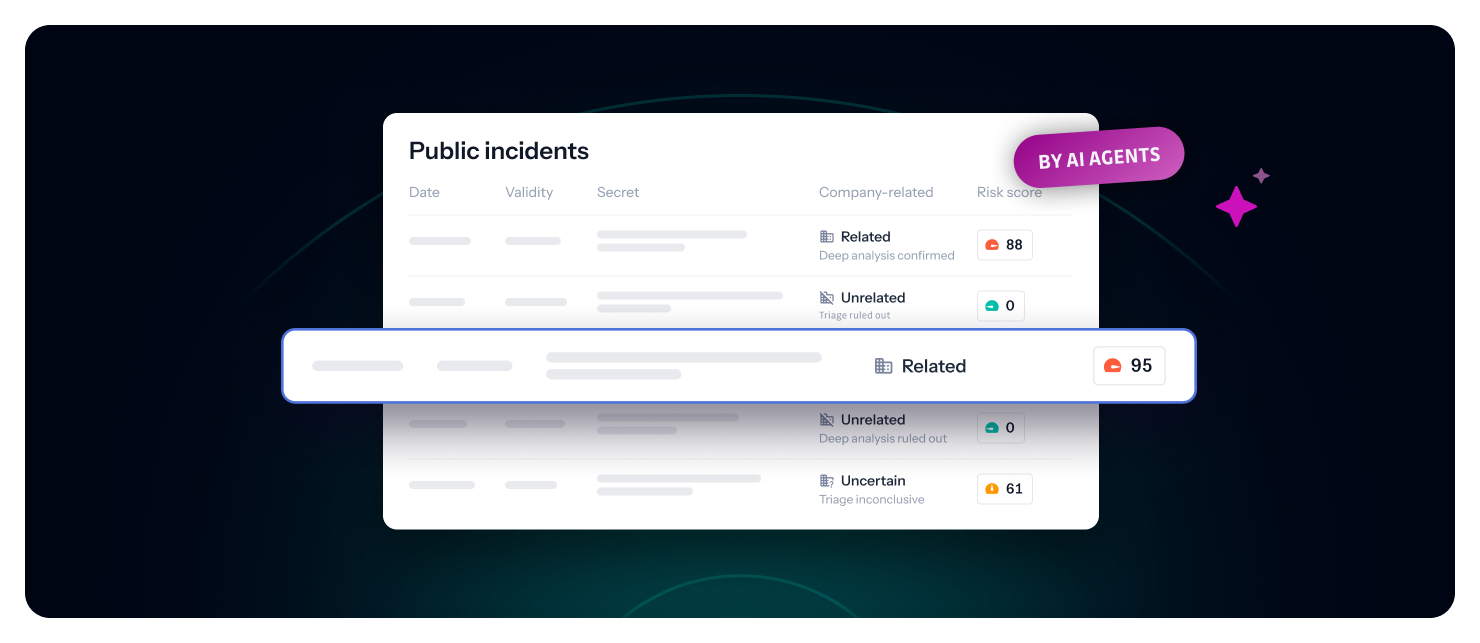
- Public Monitoring agents: the new GitGuardian agents page shows how the agents classified all your public incidents (Related, Unclear, Not related) and how they moved through triage and deep analysis, with each count linking to the matching incidents.



 Azure Container Registry
 Amazon Elastic Container Registry
 Google Artifact Registry
 JFrog Container Registry
 DockerHub