Catch secrets leaked in public Docker Hub images
 Release Date: October 21, 2026
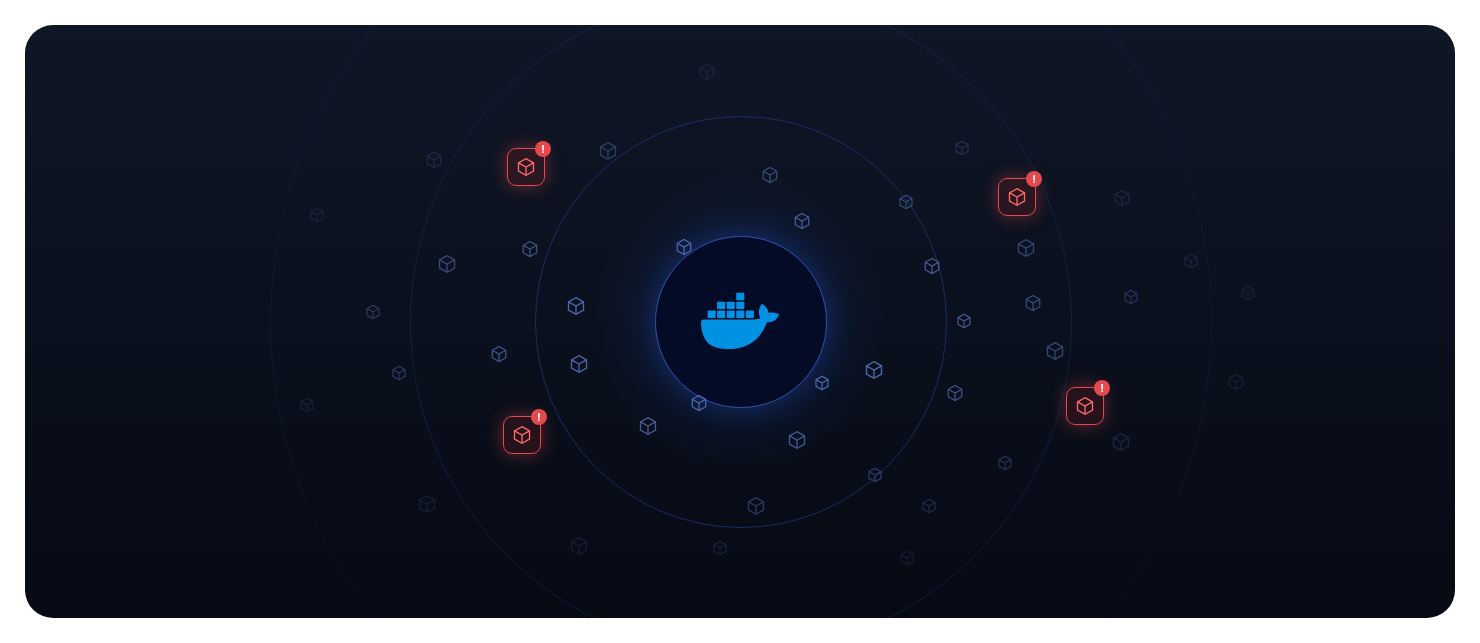
Secrets also leak in container images: config files, tokens or credentials baked into image layers. Once the image is public on Docker Hub, anyone who pulls it gets them.
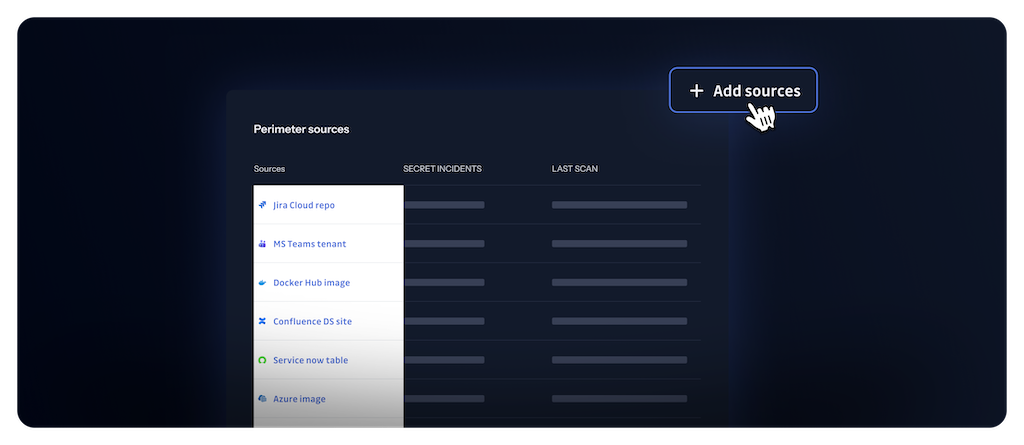
GitGuardian Public Monitoring now covers Docker Hub, and checks newly published public images against your perimeter every day.
What does this mean for you?
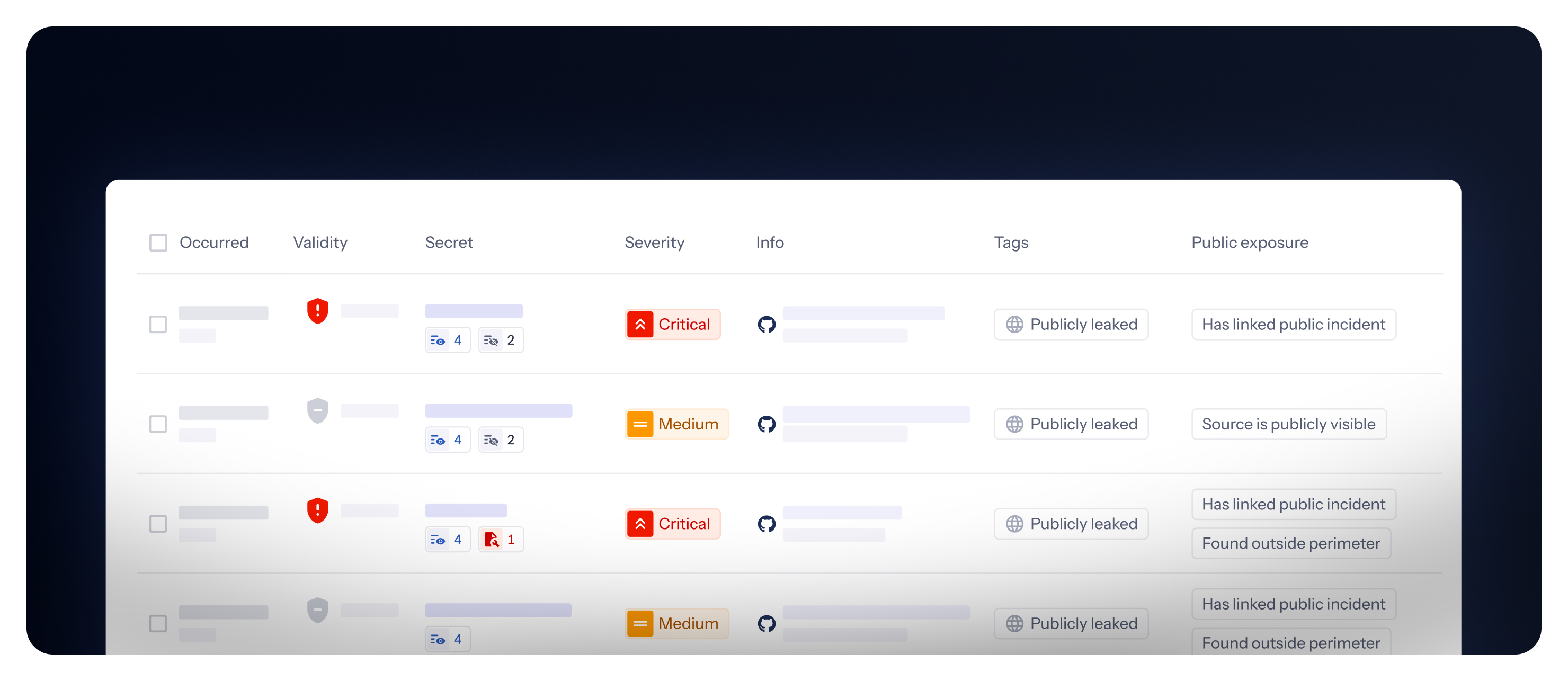
- Matched to your company through your perimeter: A finding is attached to you when one of your secret graspers appears in the image content, when one of your domains appears inside the secret value, or when the Docker Hub account that published the image lists one of your domains in its public profile.
- Leaks caught as they appear: Every day, GitGuardian matches the public images it collected since the previous day against your perimeter. A secret pushed in a public image today shows up as an incident, usually within a day.
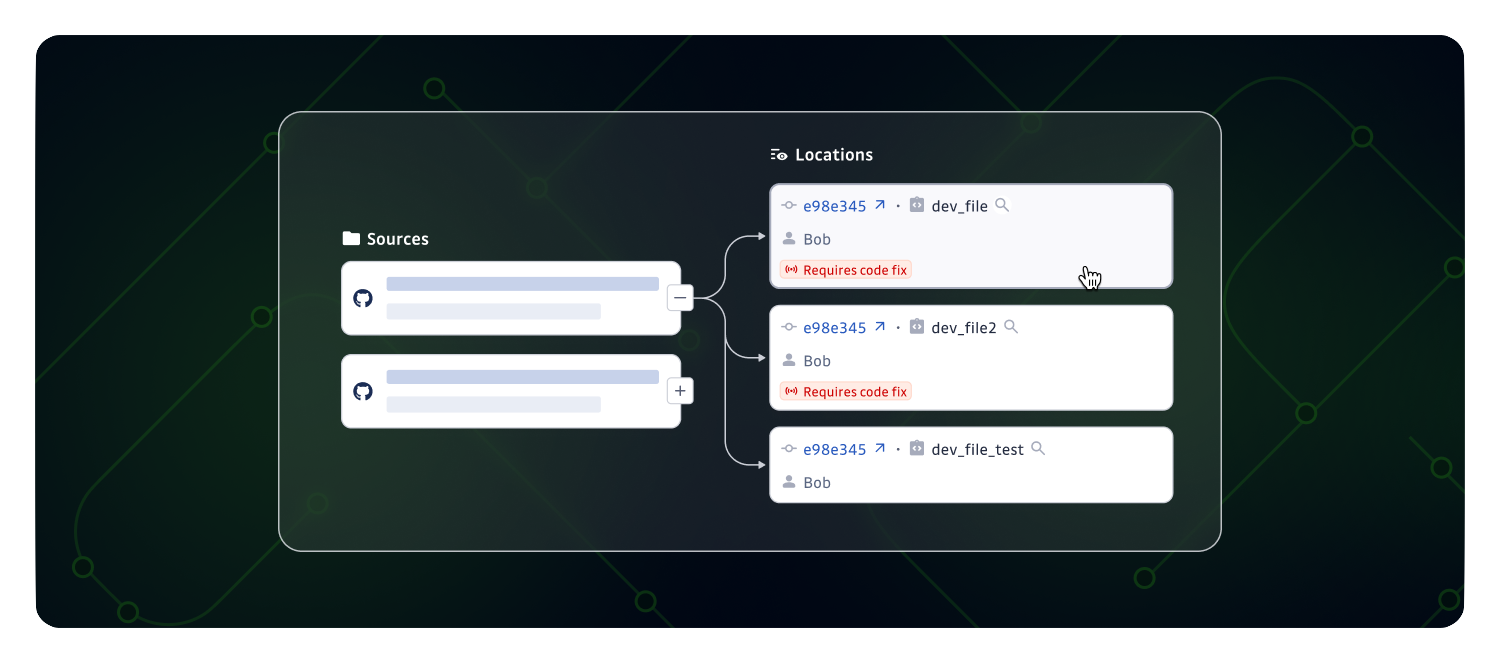
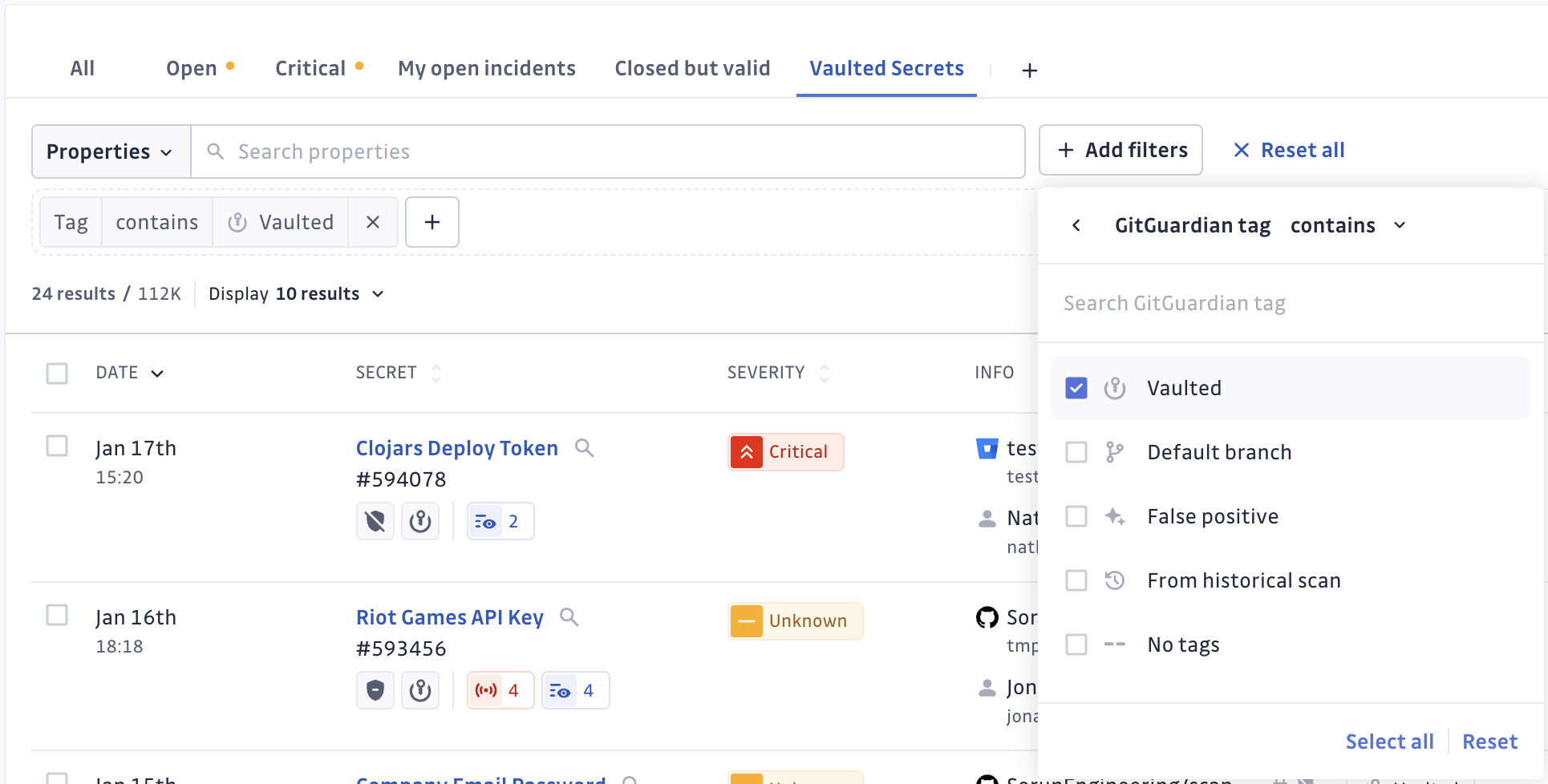
- Docker Hub context on every incident: Instead of a commit and an author, you see the publishing account, the image and repository, and the layer the secret was found in.
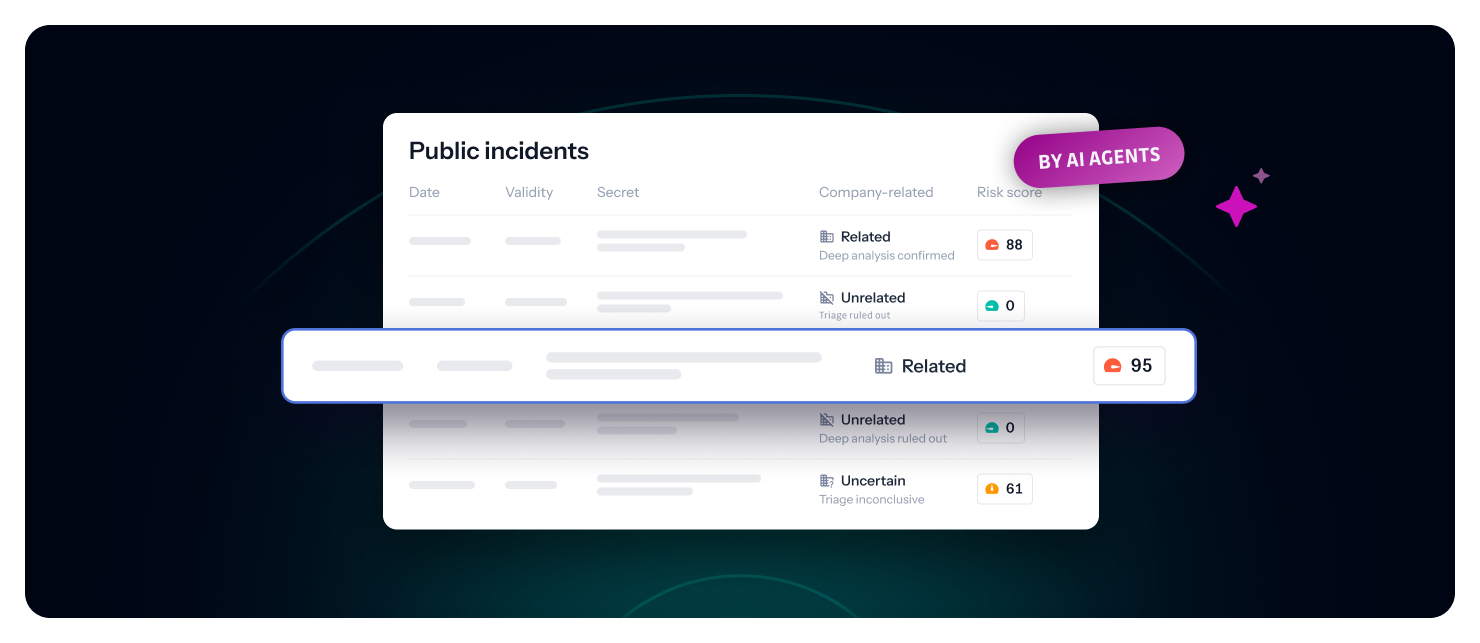
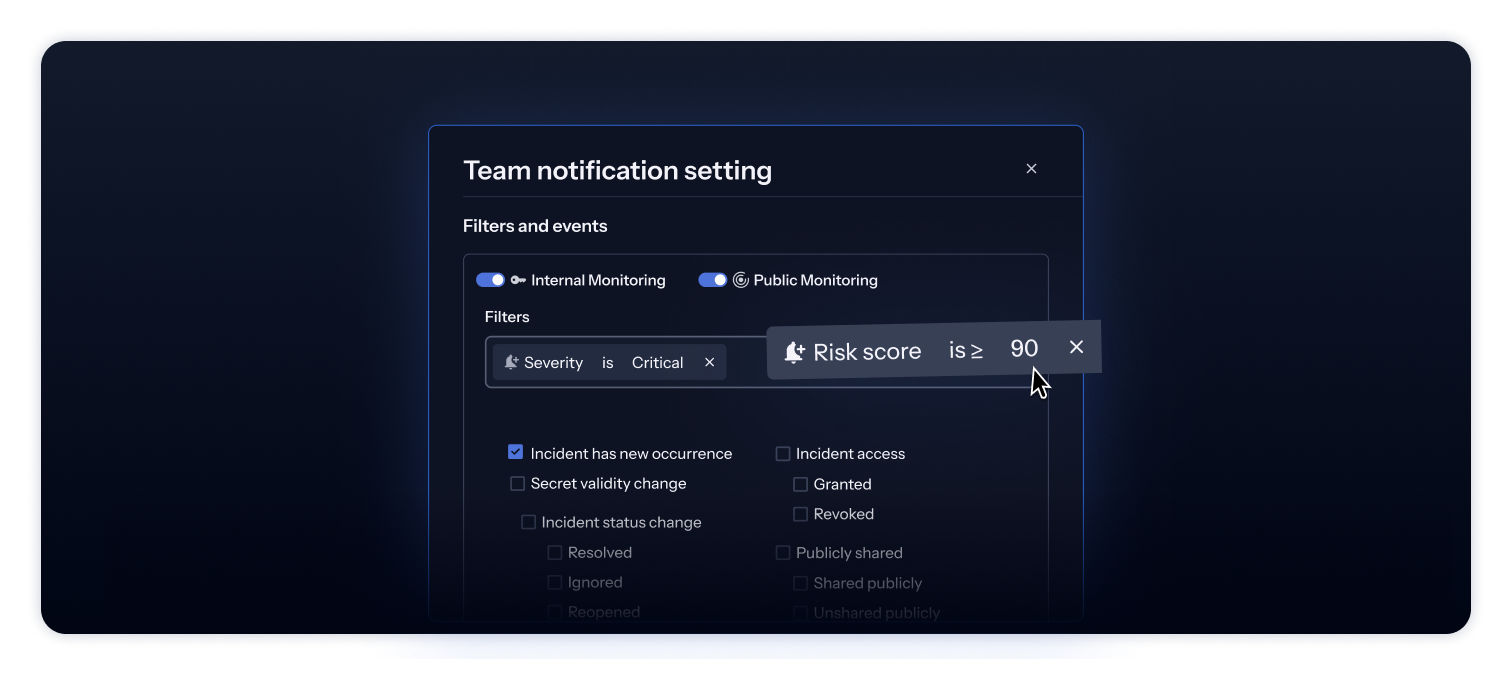
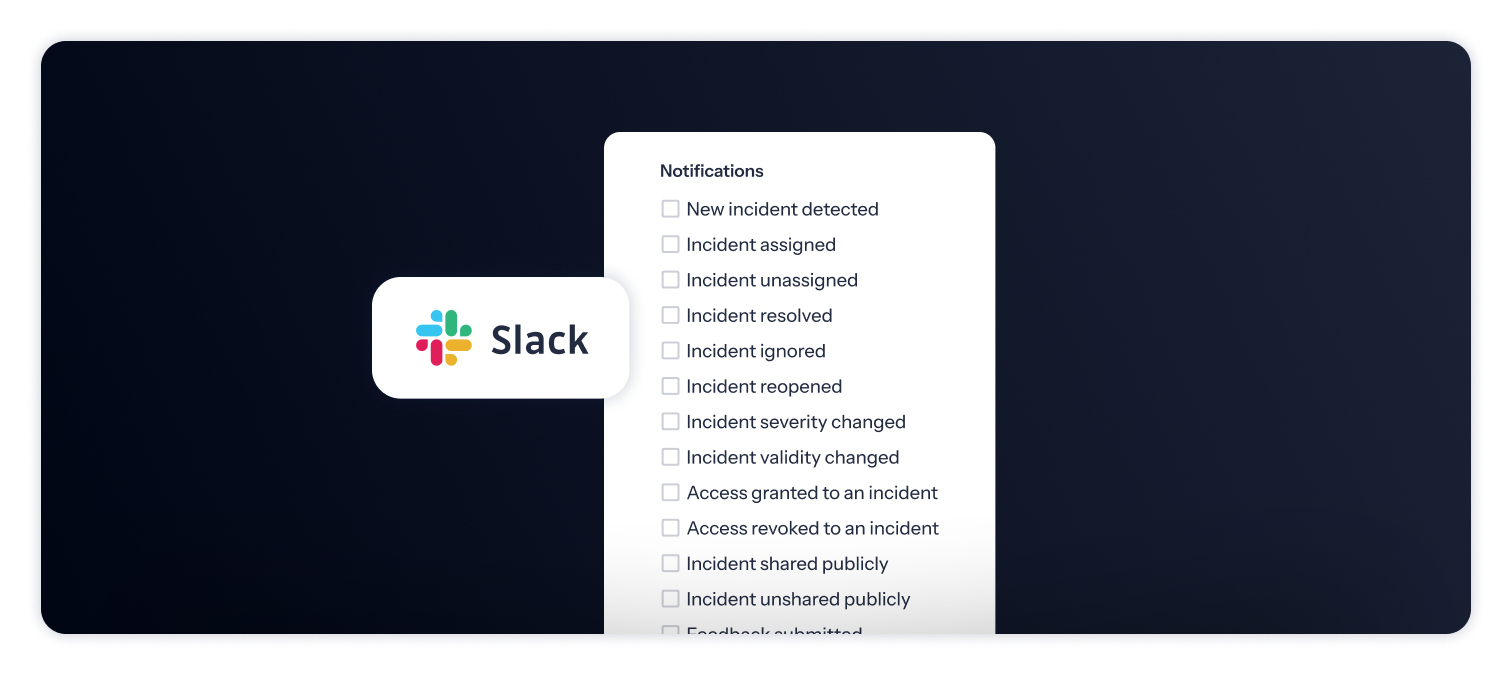
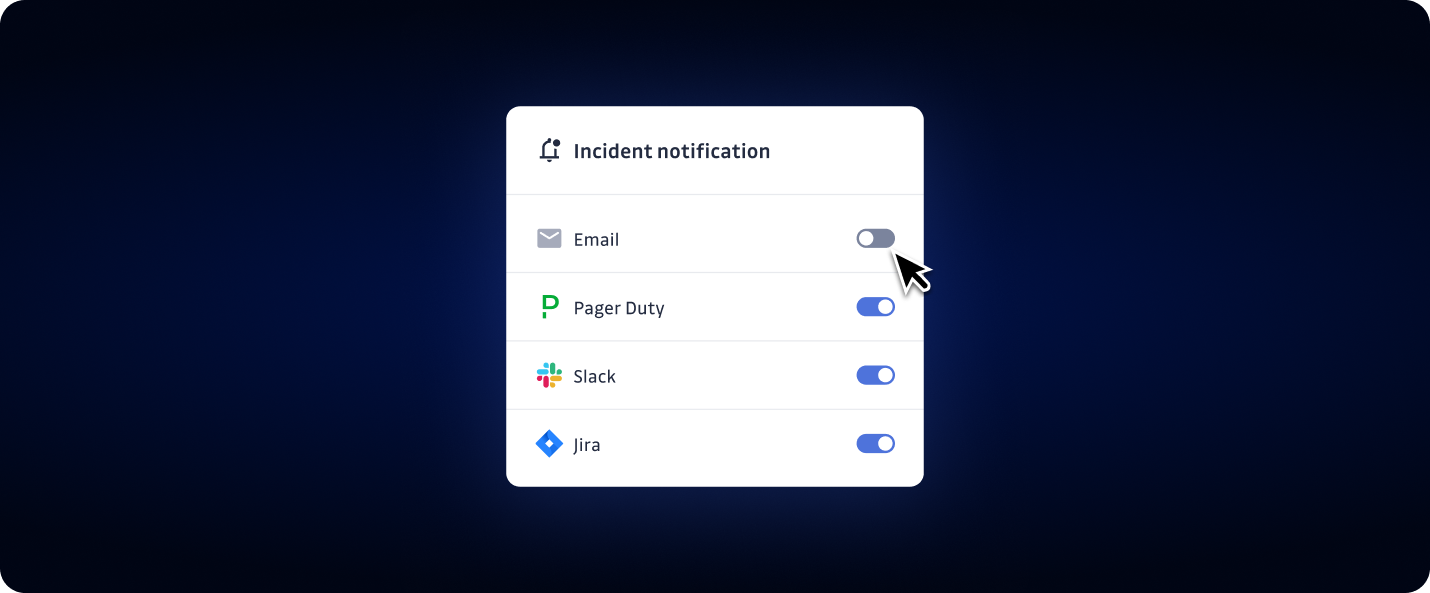
- Same workflow as your other public incidents: Docker Hub incidents go through your usual notifications and integrations, and get the same agents analysis as GitHub incidents.
Get started today
Talk to your Customer Success Manager to find out whether Docker Hub monitoring is enabled for your workspace, or to request it.
Learn more about Docker Hub monitoring
Enhancements
- Wiz Notifier: Findings pushed to Wiz now carry the GitGuardian incident, occurrence and source IDs in the finding's
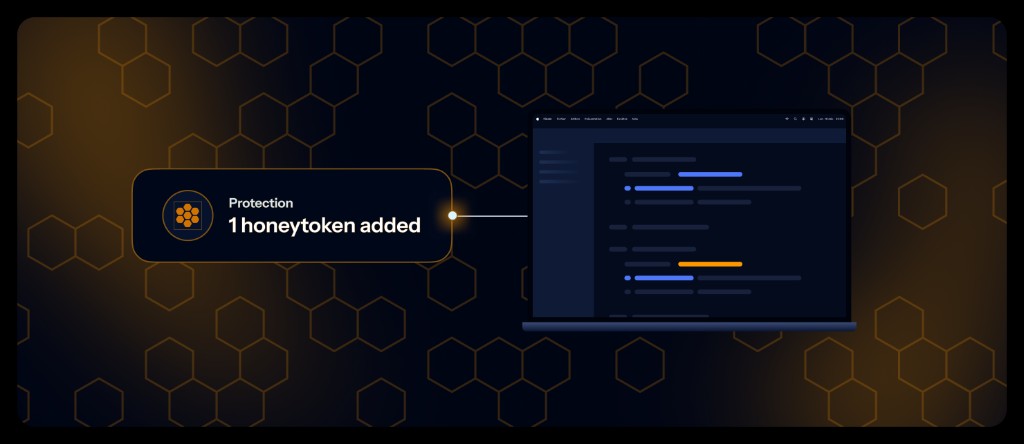
originalObjectfield, so you can use them in Wiz workflows and through the Wiz API. - Honeytoken: Planting a honeytoken is now supported on Windows endpoints.
Fixes
- Historical scans: The scan report email for Internal Monitoring historical scans now links to the scan it reports on, instead of the perimeter page.
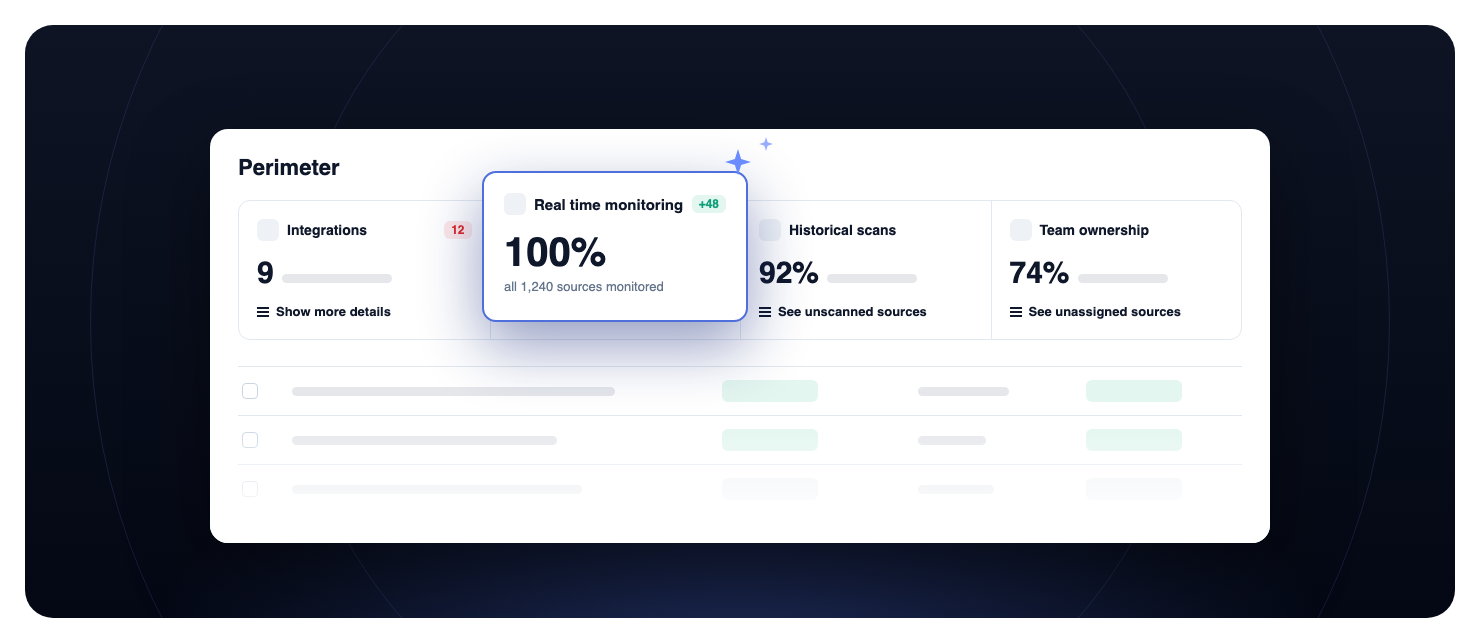
- Perimeter: Fixed the bulk historical scan dialog counting active sources as "cannot be scanned".







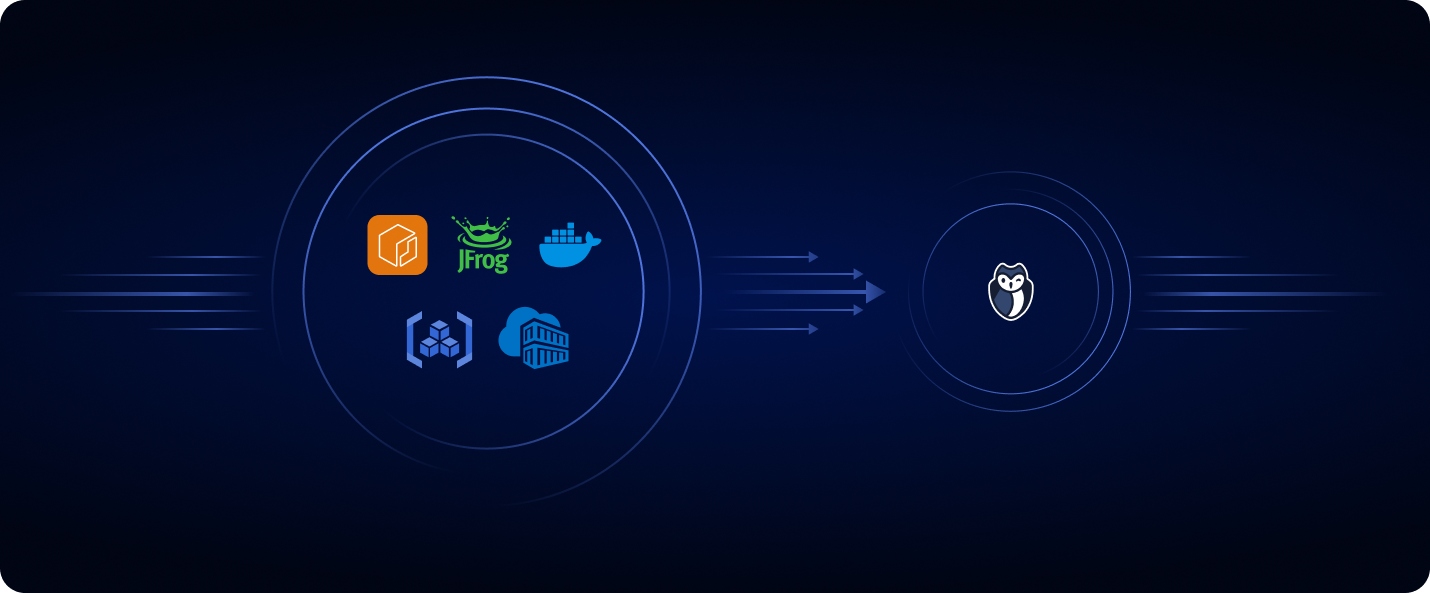
 Azure Container Registry
 Amazon Elastic Container Registry
 Google Artifact Registry
 JFrog Container Registry
 DockerHub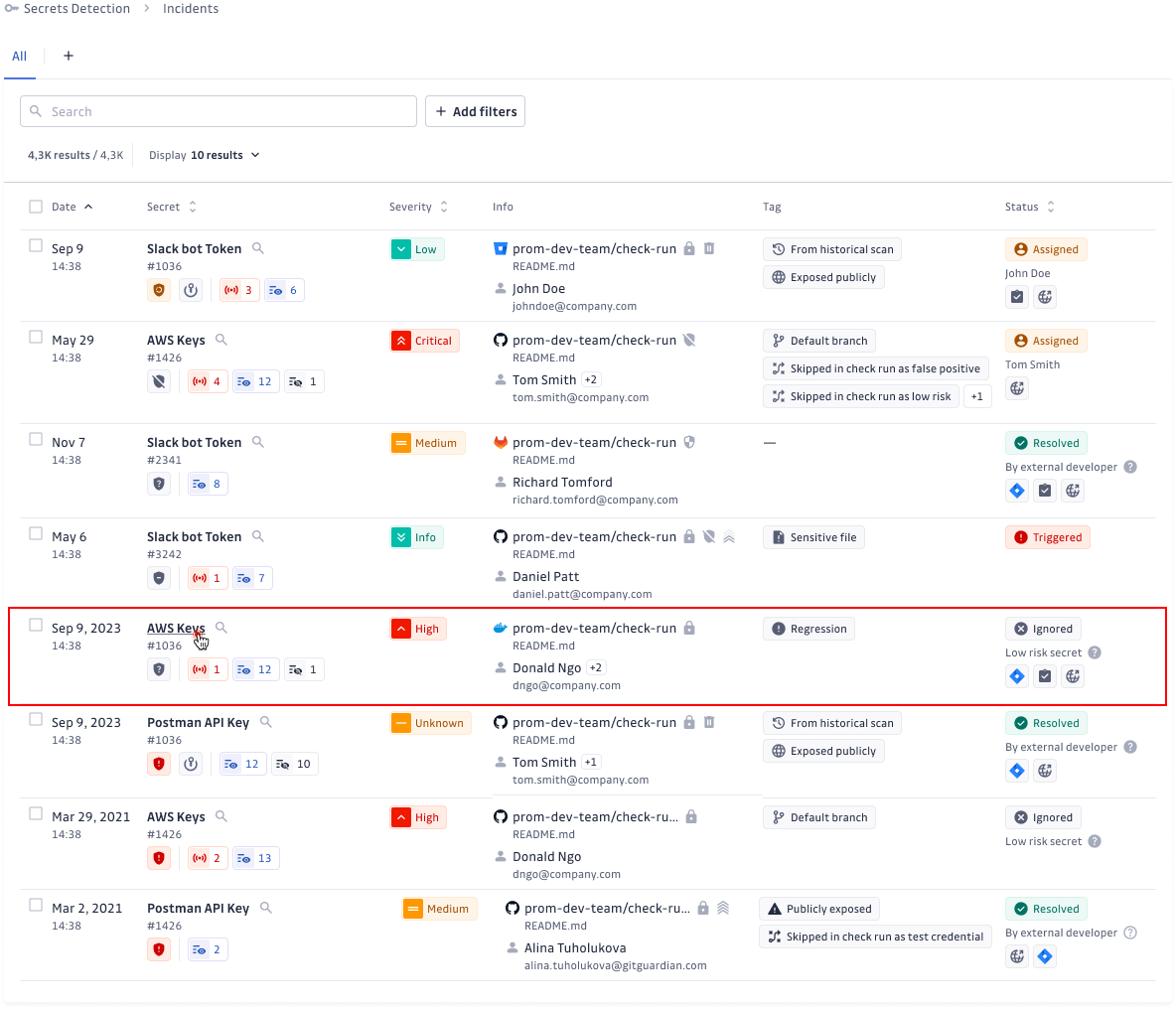
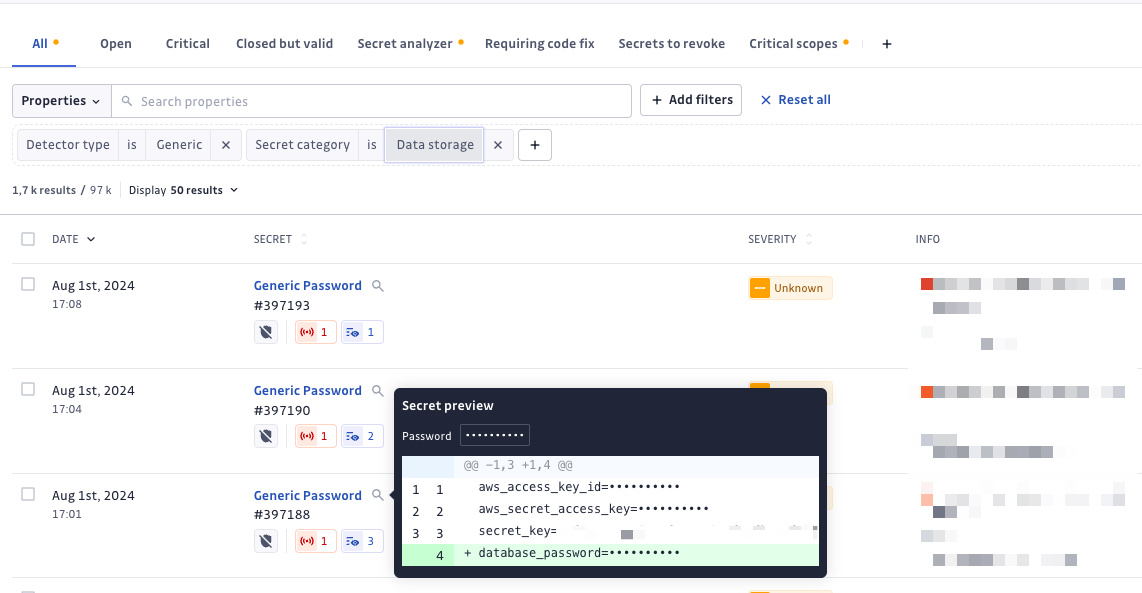

 GitGuardian allows you to monitor secret leaks across thousands of your repositories and over
  Secure your Bitbucket Cloud repositories with secrets detection powered by GitGuardian.
 Streamline incident response with Jira Data Center integration.
