Email Verification for Sensitive Actions (MFA)
 Release Date: March 24, 2026
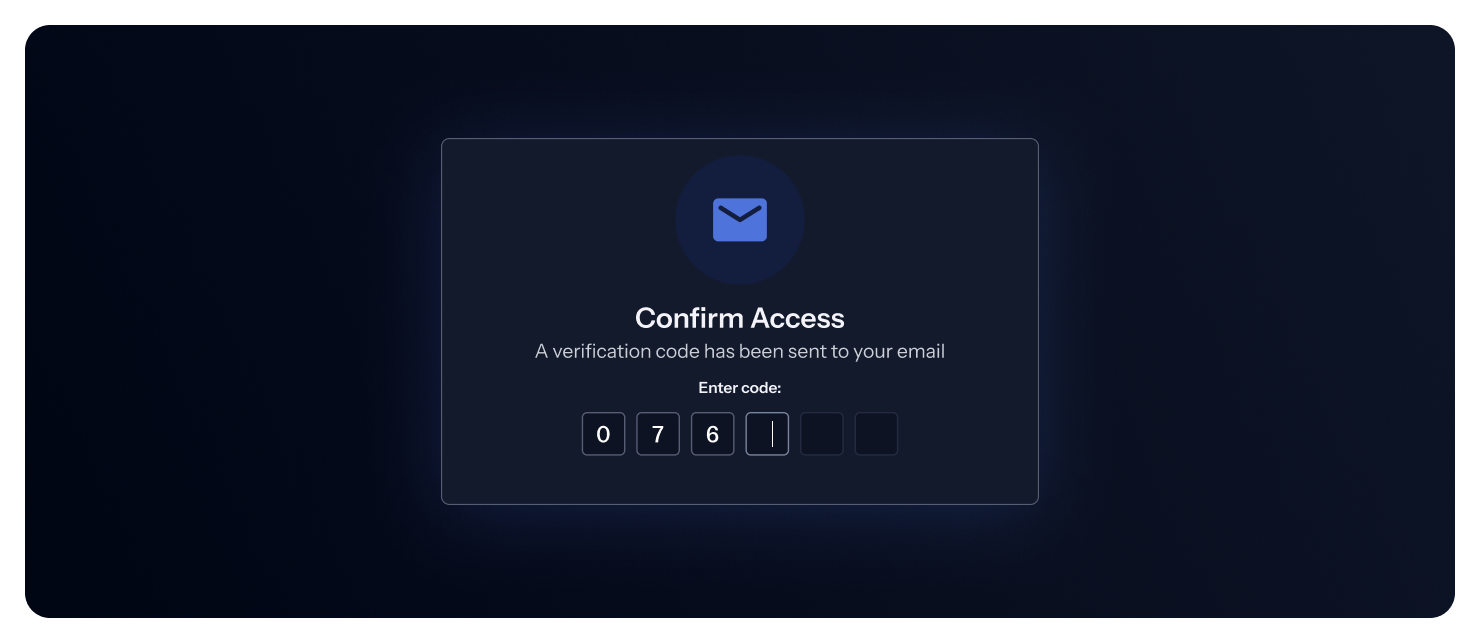
GitGuardian now enforces multi-factor authentication (MFA) via email verification for all users who sign in with email and password. After entering your credentials, you'll receive a verification code at your email address to confirm your identity.
Beyond login, verification is also required before performing sensitive actions in your workspace settings — such as configuring SSO, creating API tokens, managing integrations, or inviting members.
Who is affected?
- Users who log in with email and password will be prompted for email verification at login and before sensitive actions.
- Users who log in via SAML SSO or GitHub are not affected — MFA is handled by your identity provider.
For more details, see the MFA email verification documentation.
Enhancements
- Bring Your Own Sources: The
POST /v1/scan/create-incidentsAPI now supports an optionallocation.urlfield, allowing you to link scanned documents back to their origin (e.g., a wiki page, ticket, or config file). When provided, this URL appears in incident details for easy navigation to the origin of the leak. - Authentication: Personal Access Tokens (PAT) and Service Account Tokens (SAT) now use an improved v2 format with
gg_pat_andgg_sat_prefixes for better detection and security.
Fixes
- Audit Logs:
- Fixed an issue where the incorrect actor was displayed for certain audit log entries in the frontend.
- Audit logs are now properly generated when creating Custom Sources via API using Personal Access Tokens.
- Incidents: Fixed an issue in the bulk filter panel where the select-all checkbox showed "0 incidents" and failed to deselect incidents after selection.
- API: Fixed a bug in the
/v1/public-incidents/secrets/{id}/occurrencesendpoint when retrieving occurrences for incidents discovered through Explore. - NHI Governance: Resolved timeout issues when collecting Microsoft Entra ID data for workspaces with large datasets.

