4 posts tagged with "machine-learning"

View All Tags

ML-Powered Similar Incident Grouping - Combat Incident Fatigue!

calendar icon   Release Date: January 8, 2025

ML-Powered Similar Incident Grouping Thumbnail

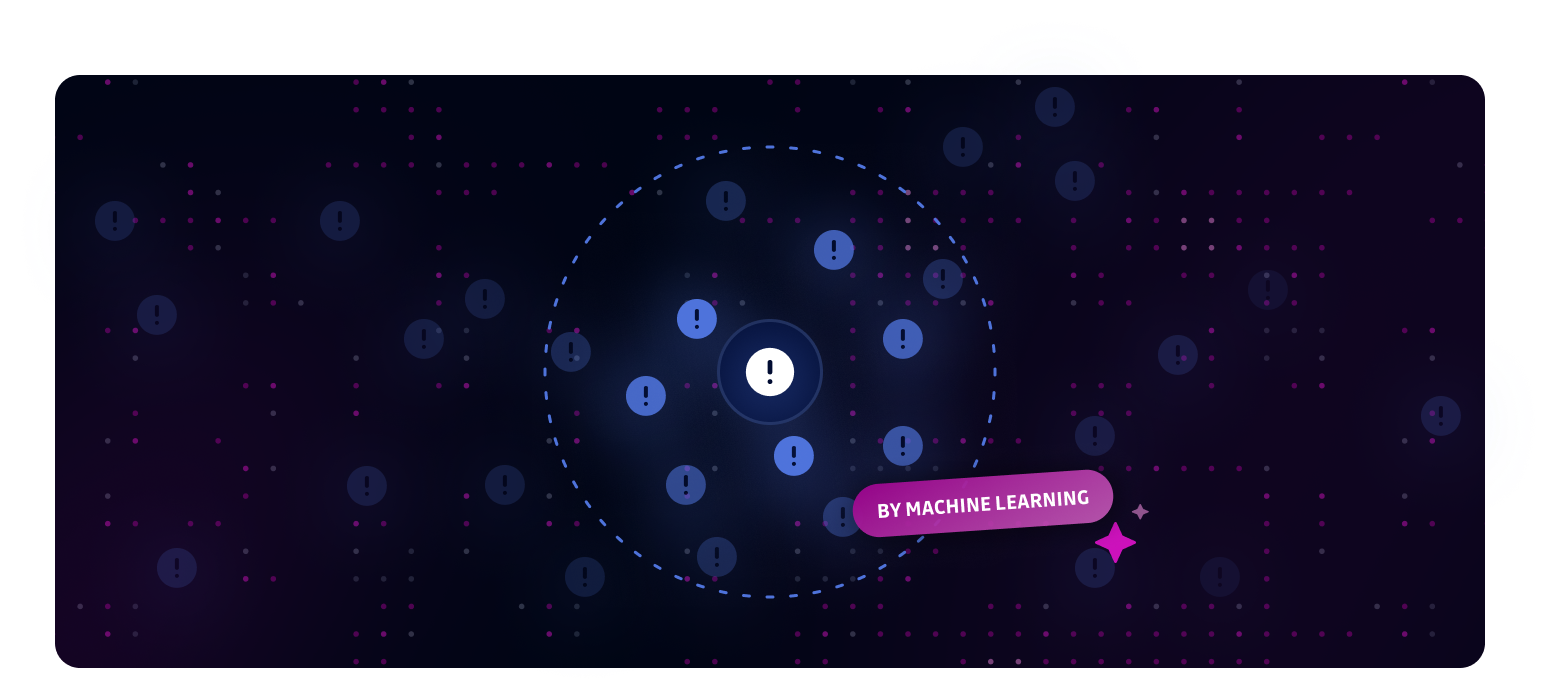
Introducing ML-Powered Similar Incident Grouping - a smart solution to combat incident fatigue by automatically grouping related incidents for efficient bulk remediation.

Key Benefits:

  • Reduce incident overload by identifying patterns in similar security incidents
  • Streamline bulk actions on groups of related incidents
  • Focus on unique issues while efficiently handling repetitive cases

Common grouping scenarios:

  • Rotating tokens in automated deployments
  • QA test credentials appearing across multiple files
  • Database connection strings to the same environment
  • Repeated false positives from templating code or tutorials
  • High-entropy strings in logs that are likely system-generated
  • Known noisy patterns from specific services or file types

Our ML algorithms analyze incident context beyond just detector types to identify meaningful relationships between incidents. View similar incidents in the sidebar of any incident detail page, then use bulk actions to resolve them efficiently.

This feature is available for both Internal Monitoring and Public Monitoring on the Business & Enterprise plans.

Fixes

  • Playbooks: Fixed an issue where the "Auto-ignore incidents when secrets are tagged as false positive" playbook was incorrectly reactivated when a Business account's plan was edited in the back office.
  • Historical Scans: Resolved a scan queueing issue that prevented all eligible sources from being properly enqueued during bulk scan operations.

Risk score - ML-powered incident prioritization

calendar icon   Release date: December 17, 2025

Risk score thumbnail

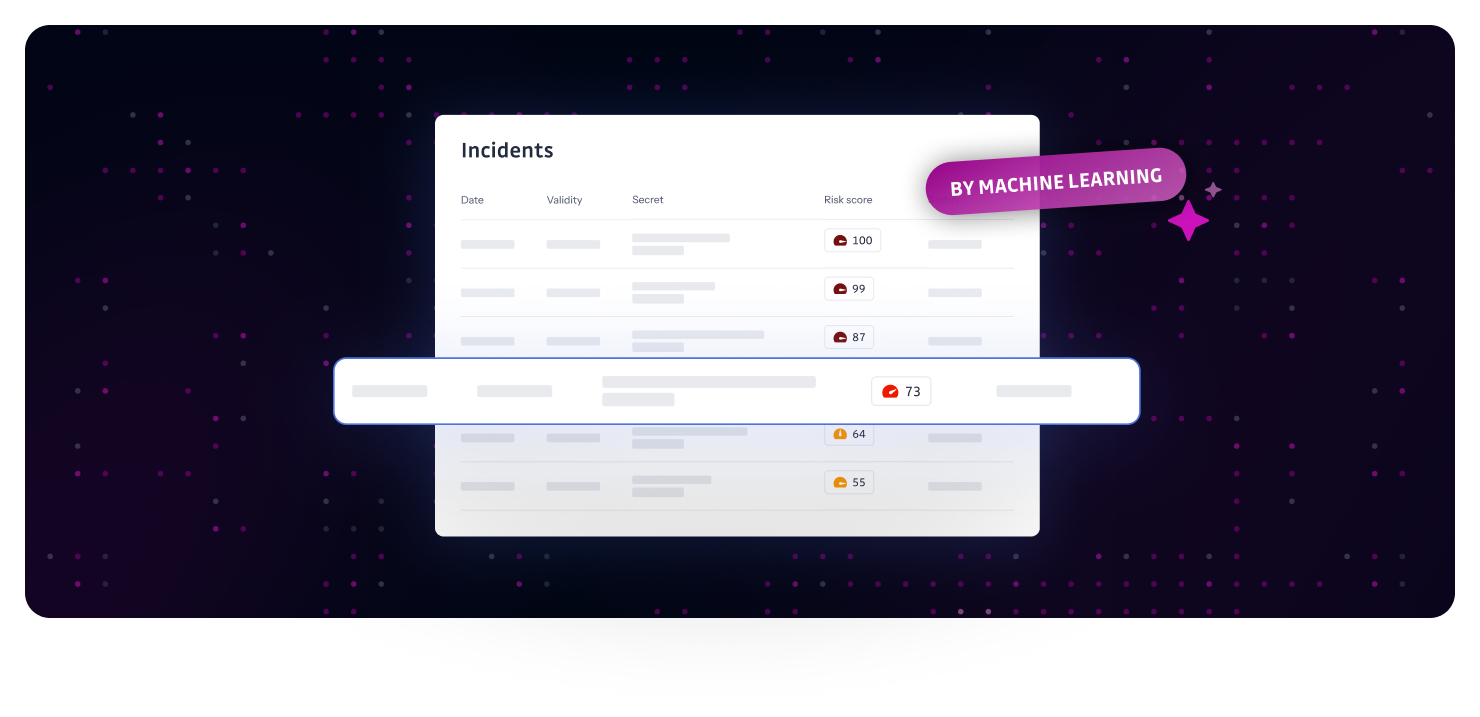
We're excited to introduce risk score — an ML-powered feature available to Business workspaces that helps you focus on the incidents that matter most.

What's new

Each incident now includes a risk score ranging from 0 to 100, where 100 indicates the highest risk and 0 the lowest. The score automatically assesses threat level by analyzing multiple signals including secret type, validity, detection context, and exposure patterns.

Key capabilities:

  • Granular prioritization: 0-100 scale for fine-tuned incident triage
  • Flexible filtering and sorting: Filter by risk score range and sort by priority in your incidents table
  • Updated "Critical" saved view: Now shows incidents with risk score above 80 for immediate focus on highest-priority threats
  • Availability: Risk score is available for both Internal Monitoring and Public Monitoring on the Business & Enterprise plans.

Why it matters

The risk score cuts through the noise and helps you focus on critical incidents first. No more asking "where do I start?" or "which incidents are truly important?"—the ML model does the prioritization work for you.

📖 Learn more: How Machine Learning Transforms Security Alert Chaos into Actionable Intelligence


Enhancements

  • Detectors: Some detectors are now flagged as non-business and disabled by default for business accounts to reduce noise (related incidents are therefore hidden). Use the new "Recommended for business" filter in detector settings to identify and re-enable them if needed.

Secret Enricher - From Generic to Actionable

calendar icon   Release Date: December 17, 2025

Secret Enricher thumbnail

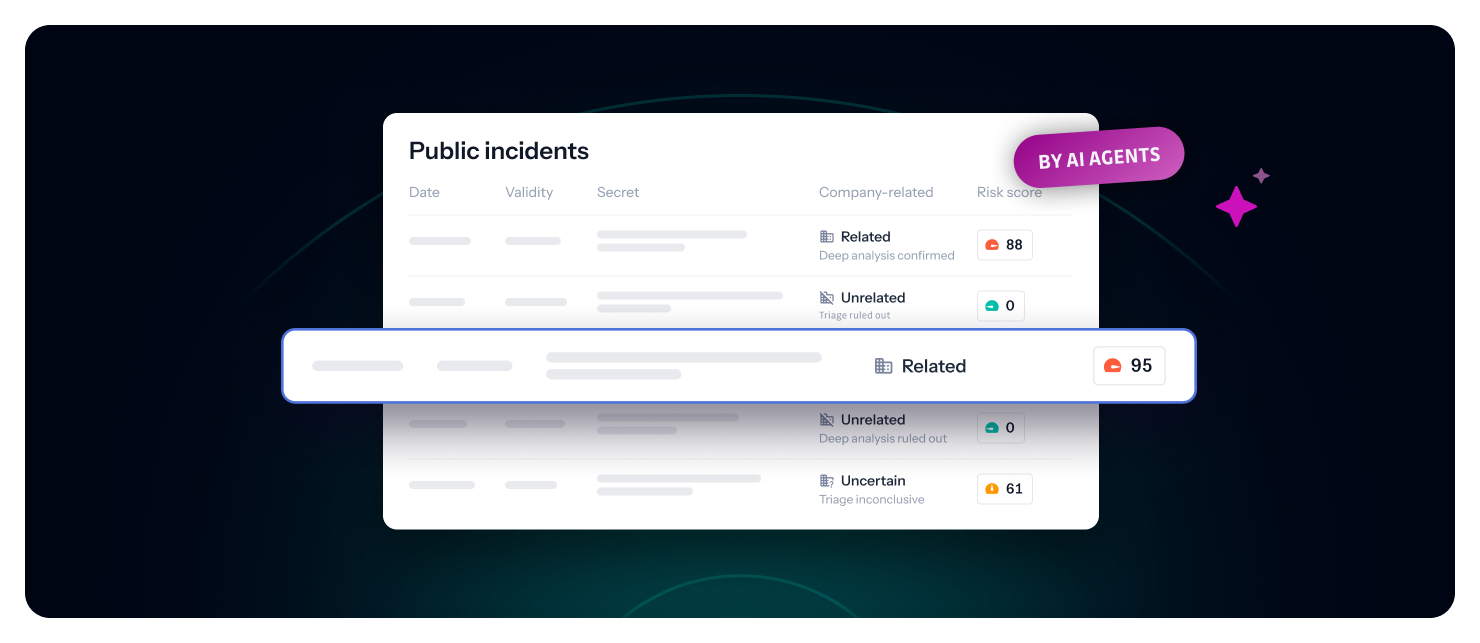
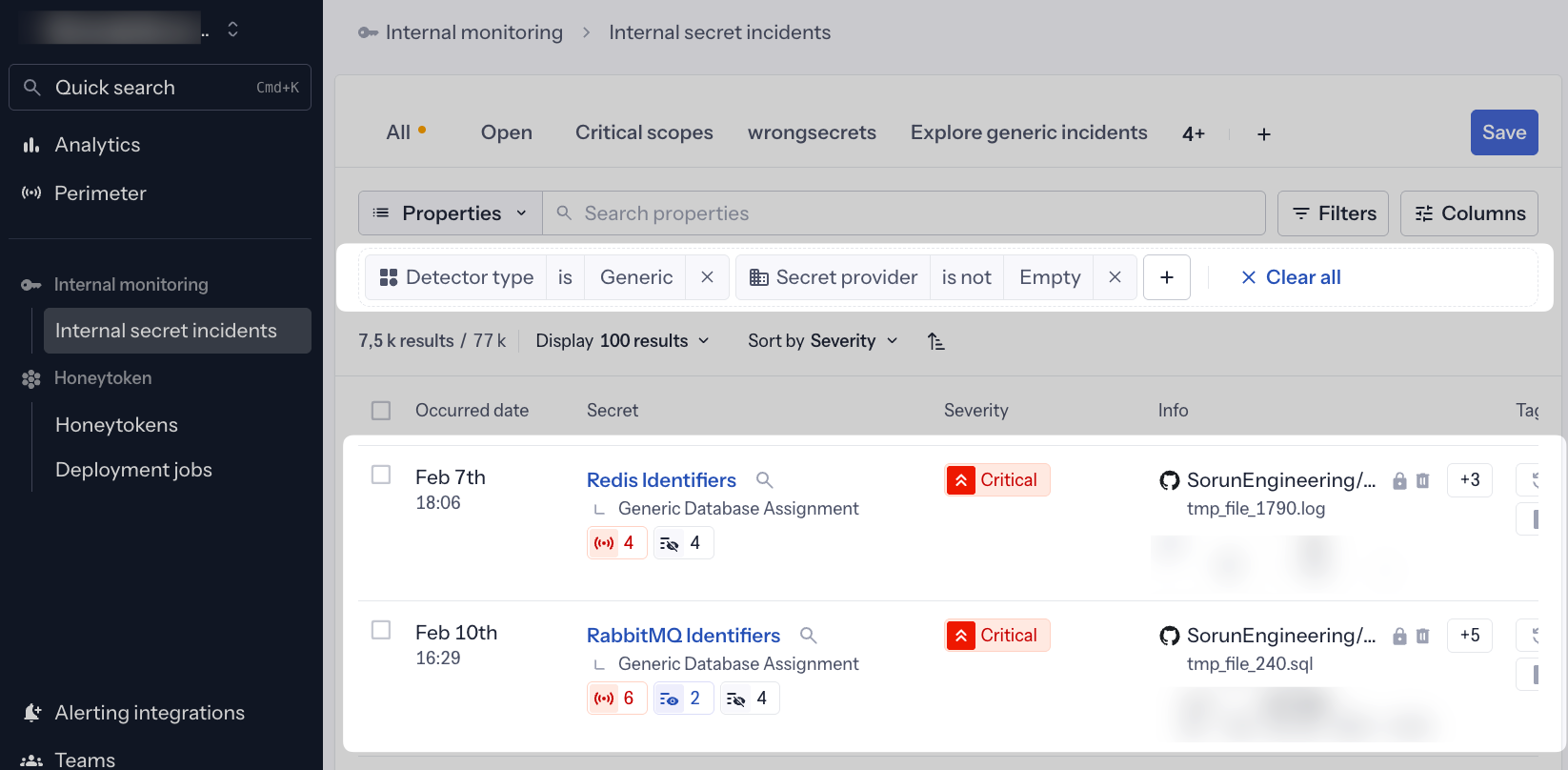
We're transforming how you interact with generic incidents. Secret Enricher replaces vague detector names with precise, ML-enriched secret identities, making every incident immediately actionable.

What's changed?

Instead of seeing generic detector names like "Generic Database Assignment" or "Generic High Entropy Secret," you now see the actual enriched secret type directly in the incident list:

  • ❌ Before: "Generic Database Assignment"

  • ✅ Now: "Redis Identifiers", "PostgreSQL Connection String", "MongoDB Credentials"

  • ❌ Before: "Generic High Entropy Secret"

  • ✅ Now: "Stripe API Key", "AWS Access Key", "Twilio Auth Token"

Why does this matter?

This shift from detector-centric to enrichment-driven incidents fundamentally changes how you understand and prioritize your security posture:

  1. Instant Context: Know exactly what type of secret leaked at a glance—no need to open each incident
  2. Faster Triage: Immediately identify critical infrastructure secrets (databases, cloud providers, payment systems)
  3. Confident Prioritization: Clear secret categories help you focus on high-impact incidents first
  4. Accelerated Remediation: Understanding what leaked speeds up the remediation workflow

How it works

Powered by our Secret Enricher v2 machine learning model, the platform analyzes the full context around generic secrets to identify:

  • Provider: The specific service (Redis, Stripe, AWS, etc.)
  • Category: The type of service (Database, Payment System, Cloud Provider, etc.)
  • Family: Broader grouping for filtering and analysis

When our ML model successfully enriches a generic incident, the enriched name automatically becomes the primary display name throughout the platform—in incident lists, dashboards, filters, and reports.

Availability: Business and Enterprise plans.

What's next?

This enhancement brings us closer to our ultimate goal: zero generic secrets in your workspace. By making ML-driven categorization tangible and actionable, we're ensuring every secret detection provides maximum clarity and definition.

The enriched names work seamlessly with all existing Secret Enricher features:

Learn more about Secret Enricher


Enhancements

  • Incident API: Enhanced incident retrieval endpoints to include enriched secret names in API responses for programmatic access.
  • Export Reports: CSV and JSON exports now include both the original detector name and enriched secret name for comprehensive reporting.

Fixes

  • Docker Hub Integration: Fixed an error where users encountered "Input should be 'image' or 'manifest'" when configuring the Docker Hub source connector.

Introducing AI Filters - It's time to have a conversation with your data!

calendar icon   Release Date: September 17, 2025

AI Filters Feature Thumbnail

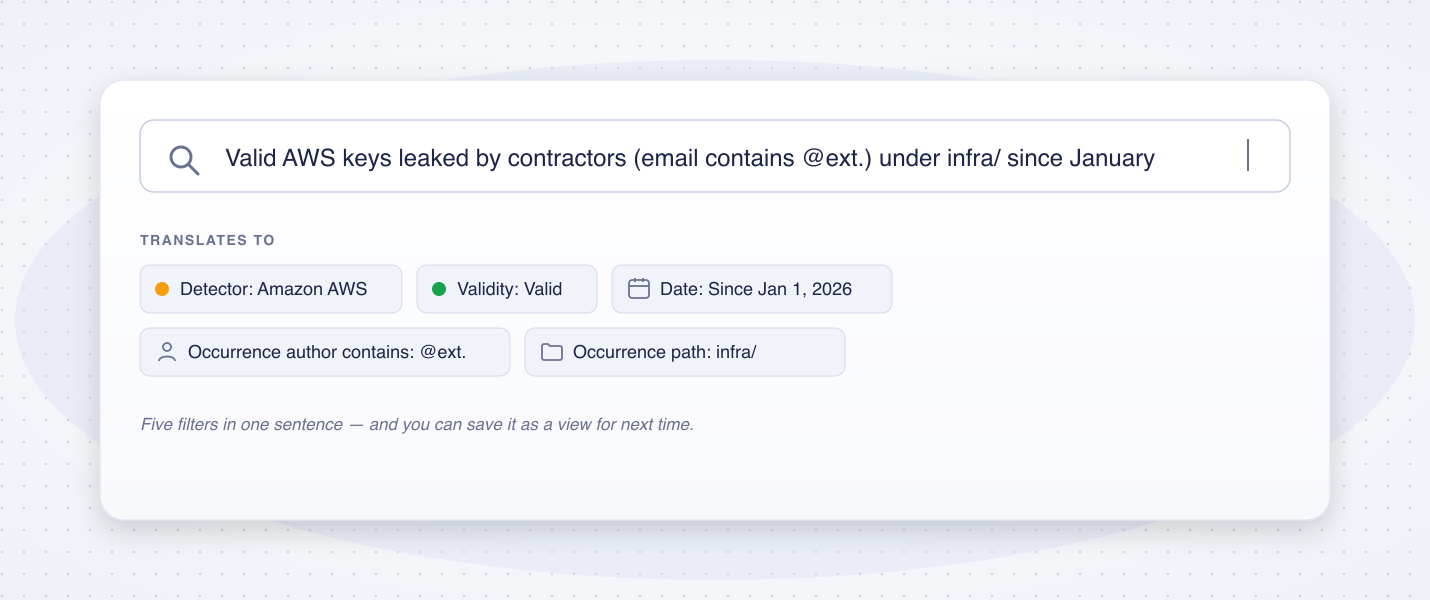
We're excited to introduce AI Filters - use natural language to navigate through Incidents, Perimeter, and Audit Logs. Finding what you need has never been easier.

What it does:

  • Type queries in plain English (e.g., "Show me critical incidents from last week")
  • AI automatically converts your request into the appropriate filters
  • Works alongside your existing filter settings
  • Save AI-generated filters as views for team sharing

Available in: Incidents, Perimeter, and Audit Logs

Look for the AI input field in your filter bars to get started! Learn more about AI filters.


Enhancements

  • Confluence Cloud Integration: Enhanced Confluence Cloud secret scanning to work with outbound-only network connections through OAuth2 authentication, eliminating the need for inbound access previously required by Connect app installations. This improvement enables organizations with strict network policies to securely scan their Confluence Cloud content using historical scanning capabilities. Learn more
  • GitHub Check Runs: Added option to include public share links in check runs, enabling developers outside your workspace to access and resolve incident details directly from pull requests without requiring GitGuardian dashboard access. Learn more
  • Security: Added Content Security Policy (CSP) headers to improve browser security.

Fixes

  • Remediation tracking: Disabled file tracking for non-default branches. Learn more
  • Perimeter:
    • Fixed "invalid time value" error when applying filters with running bulk scans.
    • Fixed scan bar and buttons visibility for team members not in the global team.
  • Notifications:
    • Fixed Honeytoken events to only appear in "All incidents" team notifications instead of all teams.
    • Fixed custom webhook URL validation to properly handle escaped URLs.
  • Integrations:
    • Fixed installation validation blocking customers from setting up on-prem JFrog Docker registry integration.
    • Fixed direct URL display in occurrences for older Confluence Data Center versions.