AI Hooks keep leaked tool output away from the model
 Release Date: September 25, 2026
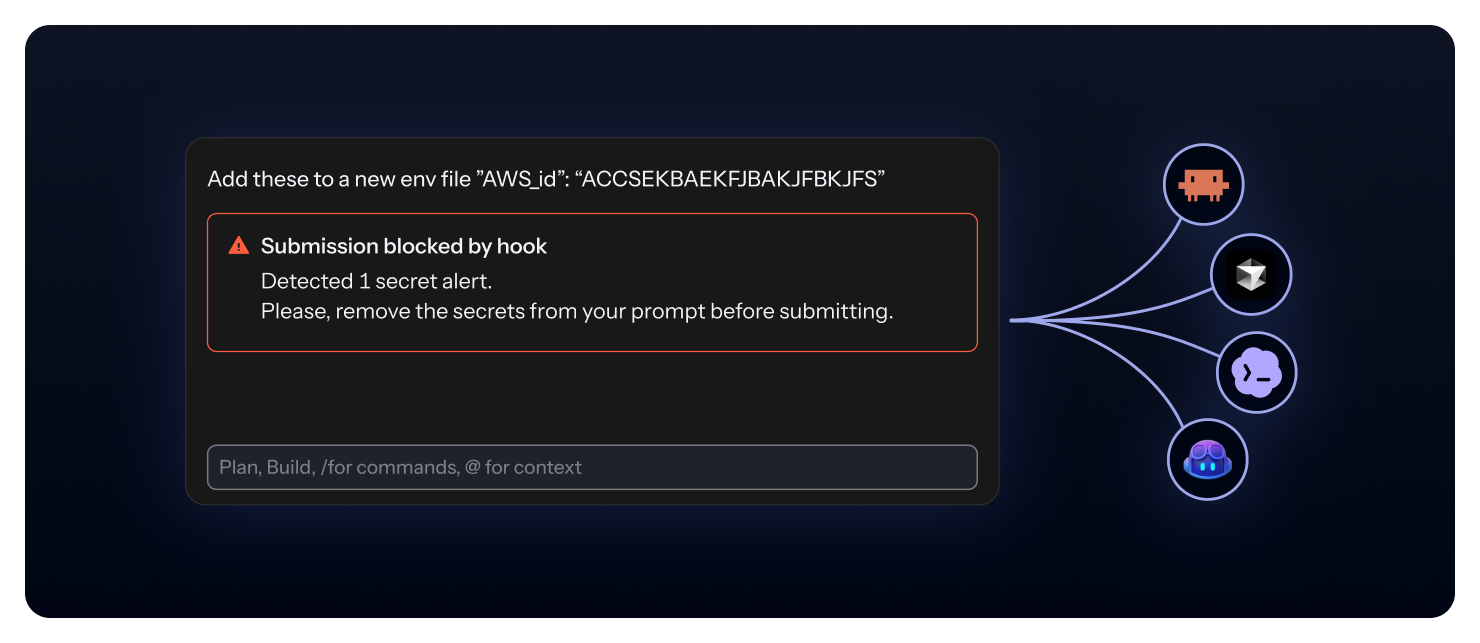
A shell command can return a credential nobody asked for. On Claude Code, Codex, and Mistral Vibe, AI Hooks now withhold that output: the assistant reads the ggshield message instead, so the secret stays out of the model and out of the session transcript for Claude Code.
What does this mean for you?
- Nothing to rotate: a withheld secret never reached the model provider, so there is no credential to revoke. Codex and Vibe still keep the raw output in their local session files. See what stays on disk.
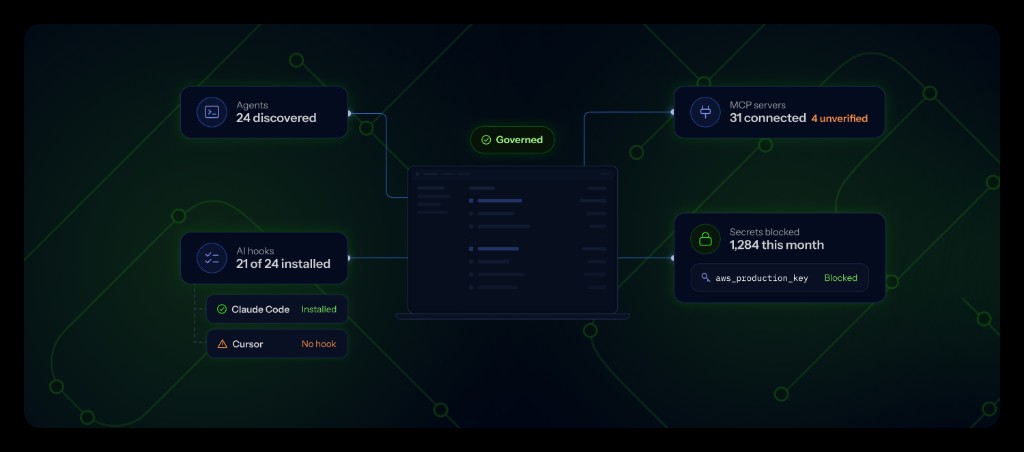
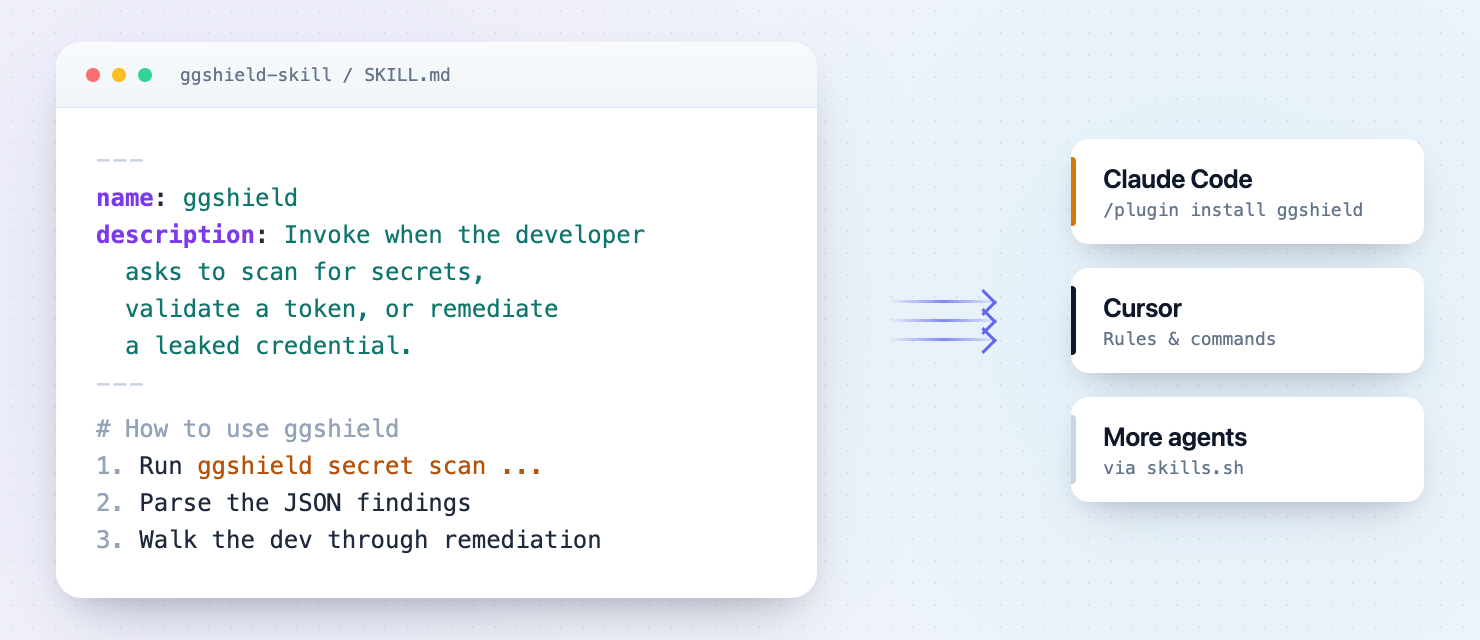
- Amazon Kiro and Junie CLI: AI Hooks and the AI agents and MCP inventory now cover Kiro (IDE and CLI) and Junie CLI. Both block secrets in commands and file reads, they don't withhold tool output.
- Clear limits per assistant: MCP and other tool outputs on Claude Code, and every tool output on Cursor, VS Code, Copilot CLI, and Kiro, still reach the model, so
ggshieldnotifies the developer to rotate. Junie CLI runs no post-tool hook, so tool outputs aren't scanned. See what each assistant supports.
Get started now
- Upgrade ggshield to 1.55.0 or later.
- Run
ggshield machine setupto add hooks for Kiro and Junie, or let your scheduled MDM setup job do it. See Deploy ggshield at scale.
Enhancements
- ggshield: The API timeout, fixed at 60 seconds until now, can be set with the
api_timeoutconfig key or theGITGUARDIAN_API_TIMEOUTenvironment variable. Raise it if a large scan fails with a read timeout. - GitLab Integration: System hooks integrations with a non-admin token now monitor projects in personal namespaces and in groups the service account reaches only through a project.
- Team Perimeter:
- Introduced a per-account setting that lets teams keep access to unmonitored sources and their existing incidents instead of removing them from team perimeters.
- Introduced a per-account setting to automatically remove archived sources from team perimeters.
- Audit Log: Clarified the number of secrets and whether secrets value were exfiltrated as part of the CSV exports audit logs.
- Public API:
- Added optional author attribution for leaks detected through custom sources (BYOS), so an author email can be provided and returned when leaks are found.
- The secret value and validity endpoints now cover secrets found as part of Public Monitoring, not only Internal Monitoring.
Fixes
- Public Incidents: Fixed an issue where the incidents CSV export reported the former ML risk score instead of the agents' risk score shown in the incident list.
- Incidents: Fixed an issue where risk score filtering did not correctly apply to all incidents.
- VCS Scanning: Fixed an issue causing excessive recomputation of incident locations, leading to unnecessary repository clones.
- Historical Scanning: Fixed an issue where historical scan summary emails could be sent many times due to a loop over scanned sources.
- GitHub Integration: Fixed a security issue where a user could add their own organization to the monitored scope of a private GitHub integration on self-hosted installations with a public GitHub app.
- OneDrive Integration: Fixed an issue where a OneDrive installation missing the required Graph permissions would silently stop syncing without being marked unhealthy or notifying the customer.